Redux in 2026: Complete Guide (Beginner → Advanced + Toolkit)
Master Redux in 2026 with this complete beginner to advanced guide. Learn Redux Toolkit, async logic, and modern best practices to build scalable React applications.

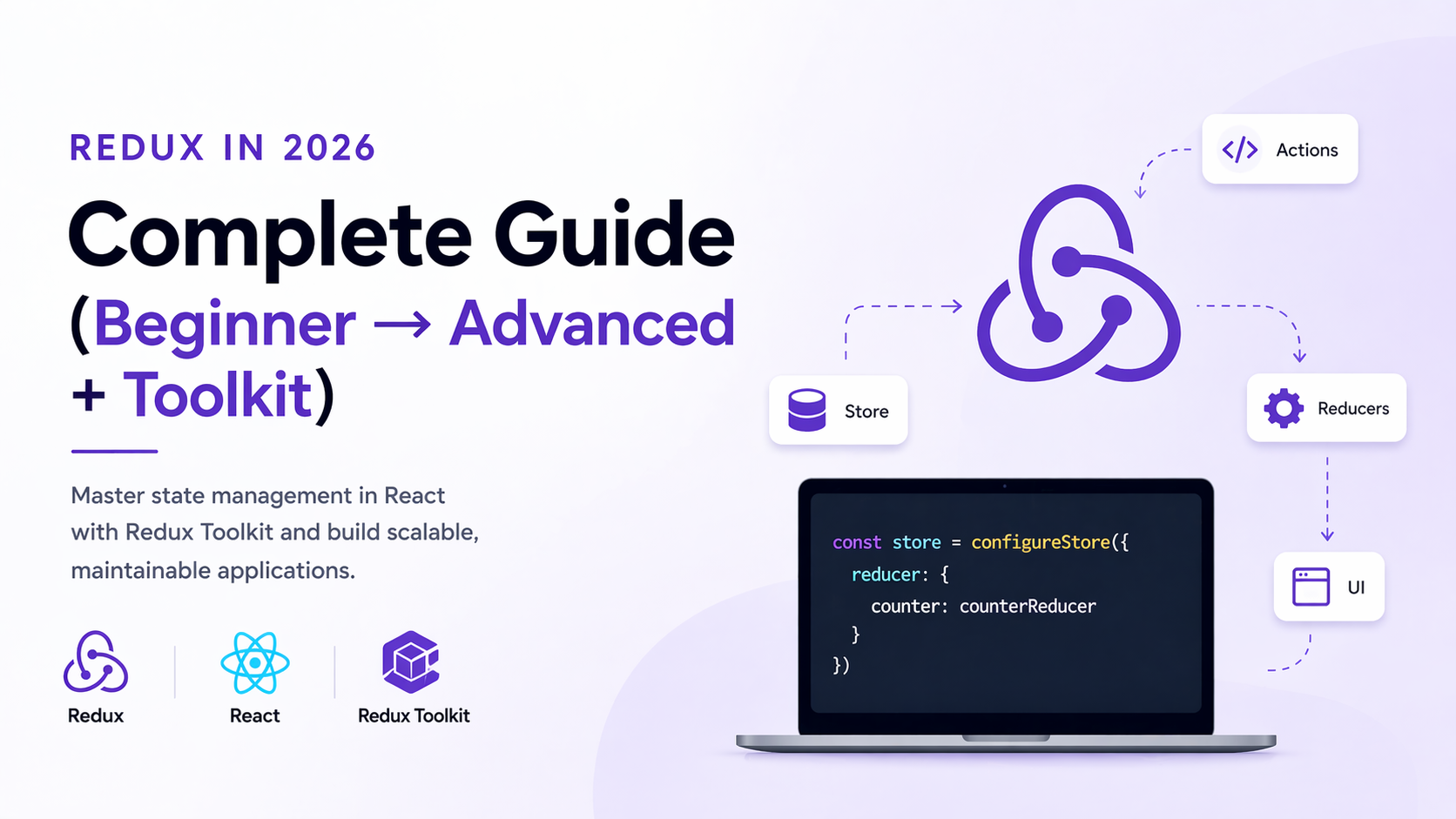
If you’ve been working with React for a while, you’ve probably heard two very different opinions about Redux. Some developers swear by it, while others say it’s outdated or too complex.
The truth in 2026 is somewhere in the middle.
Redux is no longer the heavy, boilerplate-filled monster it used to be. Thanks to Redux Toolkit, it has evolved into a clean, efficient, and developer-friendly state management solution that still powers some of the largest applications in the world.
In this guide, we’ll walk through everything — from basic concepts to advanced patterns — so you can understand when to use Redux, how to use it properly, and how to avoid common mistakes.
Why Redux Still Matters in 2026
Let’s address the big question first: Is Redux still relevant?
Short answer — yes, but not for everything.
React itself has improved a lot with hooks and better state handling, and tools like TanStack Query handle server state extremely well. But Redux still shines when it comes to managing complex global UI state.
Think about scenarios like:
- Large dashboards
- Multi-step forms
- Role-based UI logic
- Cross-component shared state
When your app grows and state starts spreading everywhere, Redux brings structure and predictability.
What is Redux?
Redux is a predictable state container for JavaScript applications. It helps you manage application state in a centralized store.
Instead of data being scattered across components, Redux keeps everything in one place — making it easier to debug, track, and scale.
At its core, Redux follows a simple flow:
State → Action → Reducer → Store → UI Update
This might sound abstract at first, but once you see it in action, it becomes very intuitive.
Core Concepts (Understanding the Foundation)
To really understand Redux, you need to get comfortable with its core ideas.
The store is where all your application state lives. It acts as a single source of truth.
Actions are plain JavaScript objects that describe what happened. For example, adding a user or toggling a theme.
Reducers are functions that take the current state and an action, and return a new state.
This flow ensures your state changes are predictable and traceable.
The Old Redux Problem (And Why Toolkit Exists)
If you ever tried Redux a few years ago, you probably remember writing:
- Action types
- Action creators
- Switch statements
- Lots of boilerplate
This made Redux feel complicated and slow to work with.
That’s exactly why Redux Toolkit was introduced.
Introducing Redux Toolkit (The Modern Way)
Redux Toolkit is now the standard way to write Redux logic.
It simplifies everything:
- No more manual action types
- Built-in Immer for immutable updates
- Cleaner reducers
- Better developer experience
Instead of writing multiple files, you define logic in a single “slice”.
Setting Up Redux Toolkit
Let’s get it running in your app.
npm install @reduxjs/toolkit react-reduxNow create your first slice.
import { createSlice } from '@reduxjs/toolkit';

const counterSlice = createSlice({
  name: 'counter',
  initialState: { value: 0 },
  reducers: {
    increment: (state) => {
      state.value += 1;
    },
    decrement: (state) => {
      state.value -= 1;
    },
  },
});

export const { increment, decrement } = counterSlice.actions;
export default counterSlice.reducer;
Notice how clean this is. No switch-case, no boilerplate.
Creating the Store
Now connect everything.
import { configureStore } from '@reduxjs/toolkit';
import counterReducer from './counterSlice';

export const store = configureStore({
  reducer: {
    counter: counterReducer,
  },
});
Then wrap your app:
import { Provider } from 'react-redux';
import { store } from './store';

<Provider store={store}>
  <App />
</Provider>
Now Redux is available across your app.
Using Redux in Components
Here’s how you read and update state.
import { useSelector, useDispatch } from 'react-redux';
import { increment } from './counterSlice';

function Counter() {
  const count = useSelector((state) => state.counter.value);
  const dispatch = useDispatch();

  return (
    <div>
      <p>{count}</p>
      <button onClick={() => dispatch(increment())}>
        Increment
      </button>
    </div>
  );
}
This is where Redux becomes practical.
Async Logic with createAsyncThunk
Handling API calls used to be messy in Redux. Now it’s simple.
import { createAsyncThunk } from '@reduxjs/toolkit';

export const fetchUsers = createAsyncThunk(
  'users/fetch',
  async () => {
    const response = await fetch('/api/users');
    return response.json();
  }
);
Redux Toolkit automatically generates loading, success, and error states for you.
RTK Query (Redux’s Answer to Data Fetching)
Redux Toolkit also includes RTK Query, a powerful data fetching solution.
It overlaps a lot with TanStack Query, but integrates directly with Redux.
RTK Query gives you:
- Caching
- Auto refetching
- API endpoints
- Minimal setup
This means Redux can now handle both UI state + server state if needed.
Redux vs TanStack Query (Important in 2026)
Let’s clear confusion.
Redux is best for:
- Global UI state
- App logic
- Shared interactions
TanStack Query is best for:
- API data
- Caching
- Server synchronization
In modern apps, many developers use both together.
Advanced Patterns (What Pros Do)
Once you’re comfortable, you’ll start structuring your app better.
You’ll split logic into slices, keep files organized, and avoid overusing global state.
You’ll also start thinking in terms of:
- Feature-based folder structure
- Normalized state
- Reusable selectors
This is where Redux really shines in large applications.
Common Mistakes to Avoid
A lot of developers misuse Redux.
They store everything globally, even when it’s not needed.
Redux should not replace local state — it should complement it.
Use it only when state needs to be shared or becomes complex.
When NOT to Use Redux
Let’s be honest — sometimes Redux is overkill.
Avoid it when:
- Your app is small
- State is local
- You only fetch API data
In those cases, React state or TanStack Query is enough.
Final Thoughts
Redux in 2026 is not what it used to be.
It’s faster, cleaner, and much easier to work with — especially with Redux Toolkit.
The key is knowing when to use it.
If your app is growing and state is getting messy, Redux can bring order. If not, keep things simple.
The best developers don’t just know tools — they know when to use them.