How to Deploy a Vue.js App for Free in 2026 (Complete Beginner's Guide)
Learn what Vue.js is and how to deploy your Vue.js application for free using MS Host. Connect GitHub, automate deployments, and launch fast, modern websites in minutes without managing servers. 🚀

Learn how to deploy your Vue.js application for free using MS Host. Connect GitHub, and launch your website in minutes without managing servers.
Introduction
Building modern web applications has become easier than ever.
Frameworks like Vue.js allow developers to create beautiful, fast, and interactive user experiences without writing thousands of lines of complex code.
But once your application is finished, a new challenge appears:
How do you deploy your Vue.js application?
Many developers assume they need to rent servers, configure Linux environments, manage SSL certificates, and manually upload files.
Fortunately, modern deployment platforms have made the process dramatically simpler.
In this guide, you'll learn how to deploy a Vue.js application for free using MS Host.
Why Deploying Vue.js Can Be Confusing
Many developers finish development and then get stuck.
Questions often include:
- Where should I host my Vue app?
- Do I need a VPS?
- How do I connect GitHub?
- How do I deploy updates?
- How do I configure domains?
Traditional hosting platforms often require manual configuration and infrastructure management.
Modern deployment platforms remove that complexity.
Why Choose MS Host?
MS Host allows developers to deploy Vue.js applications directly from GitHub.
Benefits include:
- Free hosting plans
- GitHub integration
- Live deployment logs
- Custom domains
- SSL certificates
- Deployment monitoring
Instead of managing servers, you can focus on building great applications.
Watch the Complete Vue.js Deployment Tutorial
Prefer learning by watching instead of reading?
This step-by-step video tutorial shows you how to deploy a Vue.js application on MS Host from start to finish. You'll learn how to connect your GitHub repository, create a deployment project, configure the required settings, monitor the build process, and publish your Vue.js application online in just a few minutes.
Whether you're deploying a personal website, portfolio, business application, or your first Vue.js project, this walkthrough makes the entire deployment process simple and beginner-friendly.
Watch the complete tutorial here:
After watching the tutorial, continue with the written guide below for detailed explanations, recommended deployment settings, and additional deployment tips.
Getting Started with MS Host
Step 1: Create an Account
Visit MS Host and create an account.
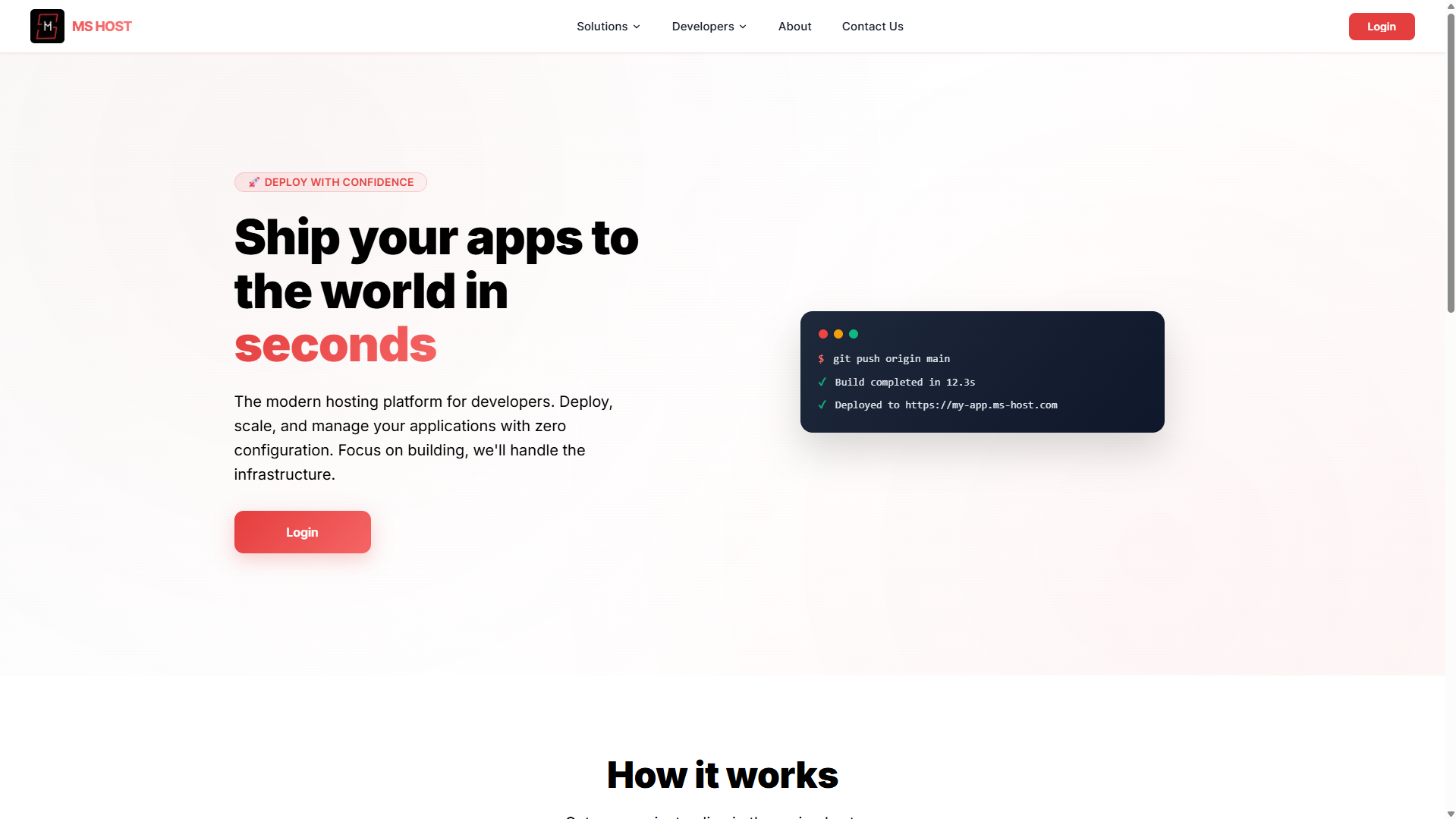
You can sign up using:
- Email and password
- Google Sign-In
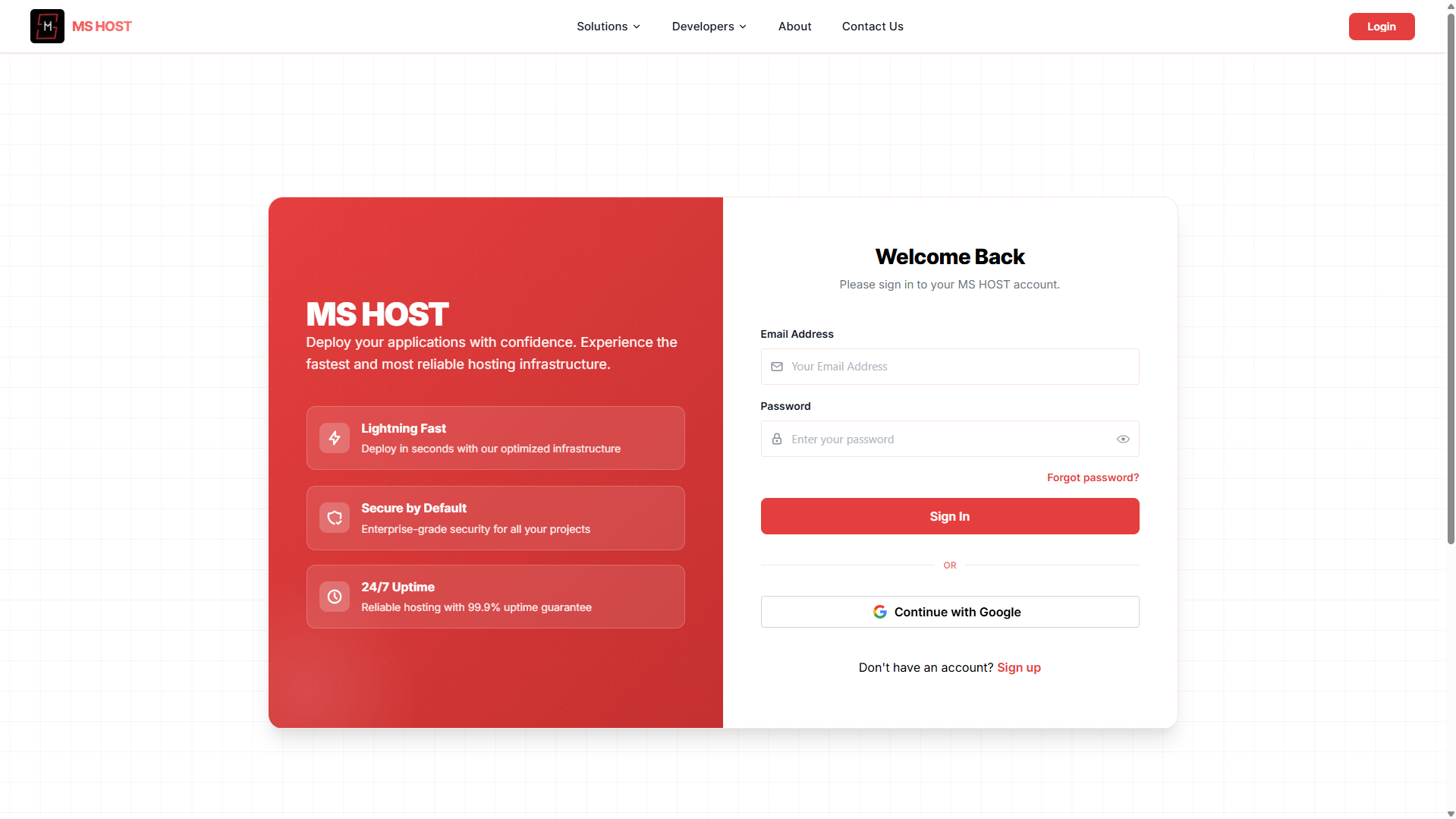
After logging in, you'll gain access to the deployment dashboard.
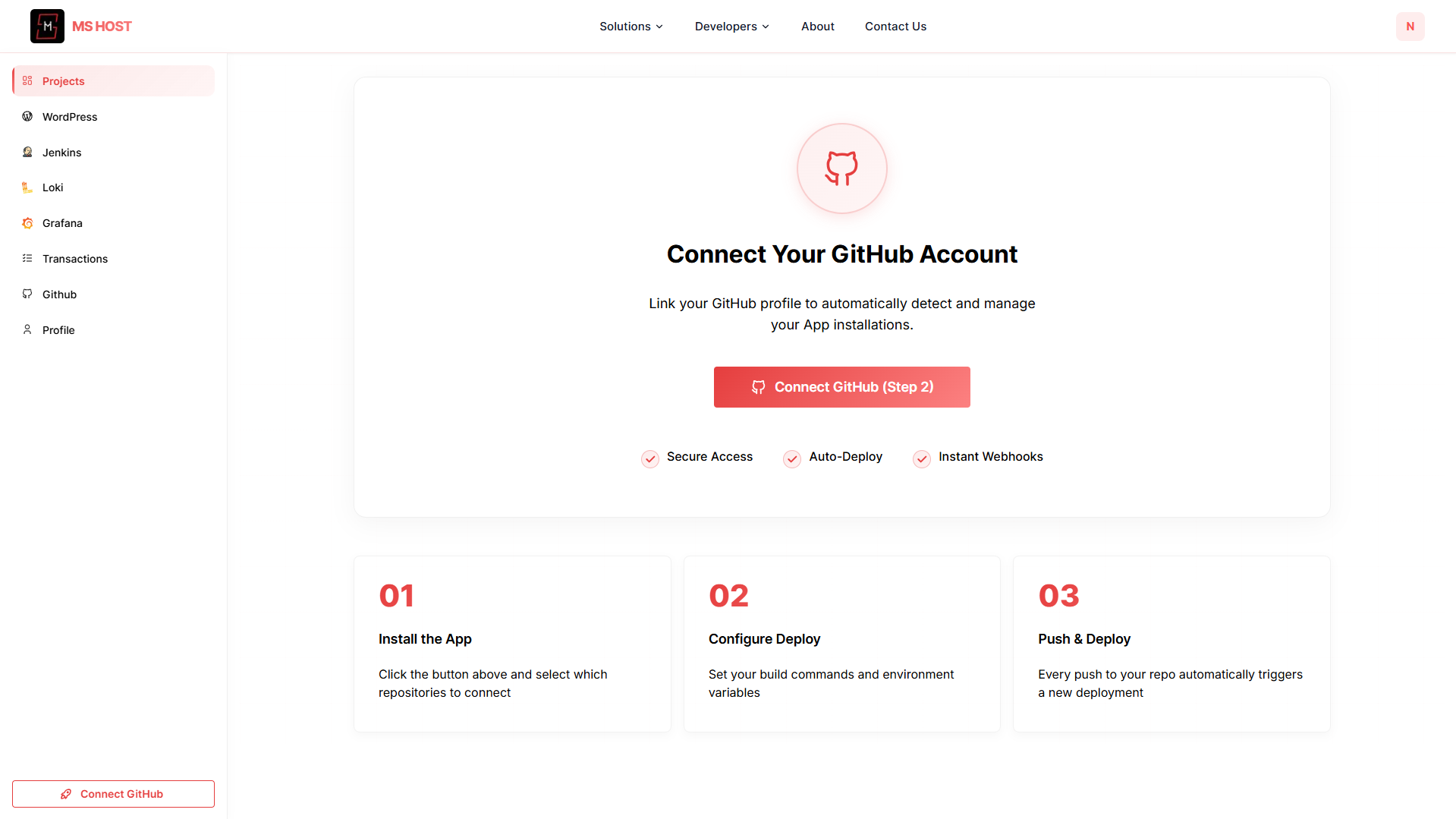
Step 2: Connect GitHub
Connect your GitHub account.
This allows MS Host to:
- Access repositories
- Detect new commits
- Keep applications synchronized
Once connected, your repositories become available during deployment.
Step 3: Push Your Vue Project to GitHub
Before deployment, upload your project to GitHub.
Example:
git init
git add .
git commit -m "Initial Vue app"
git branch -M main
git remote add origin https://github.com/username/my-vue-app.git
git push -u origin main
Now you're ready to deploy.
Deploy Your Vue.js Application
Step 1: Project Name
Enter a deployment name.

Example:
my-vueor
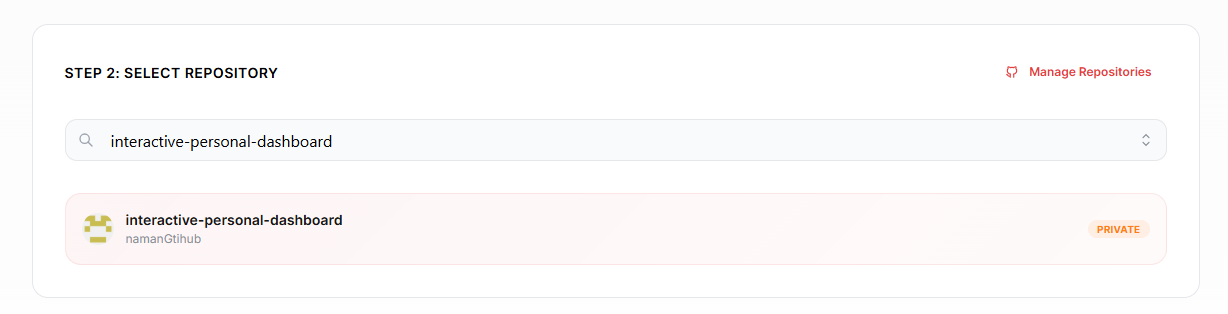
vue-dashboardStep 2: Select Repository
Choose the GitHub repository containing your Vue.js application.
MS Host automatically displays repositories from your connected account.
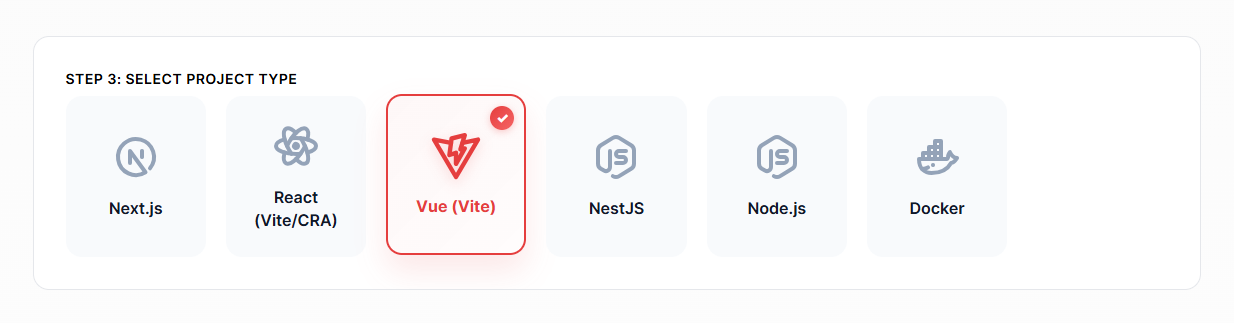
Step 3: Select Project Type
Choose:
Vue (Vite)
from the available deployment options.
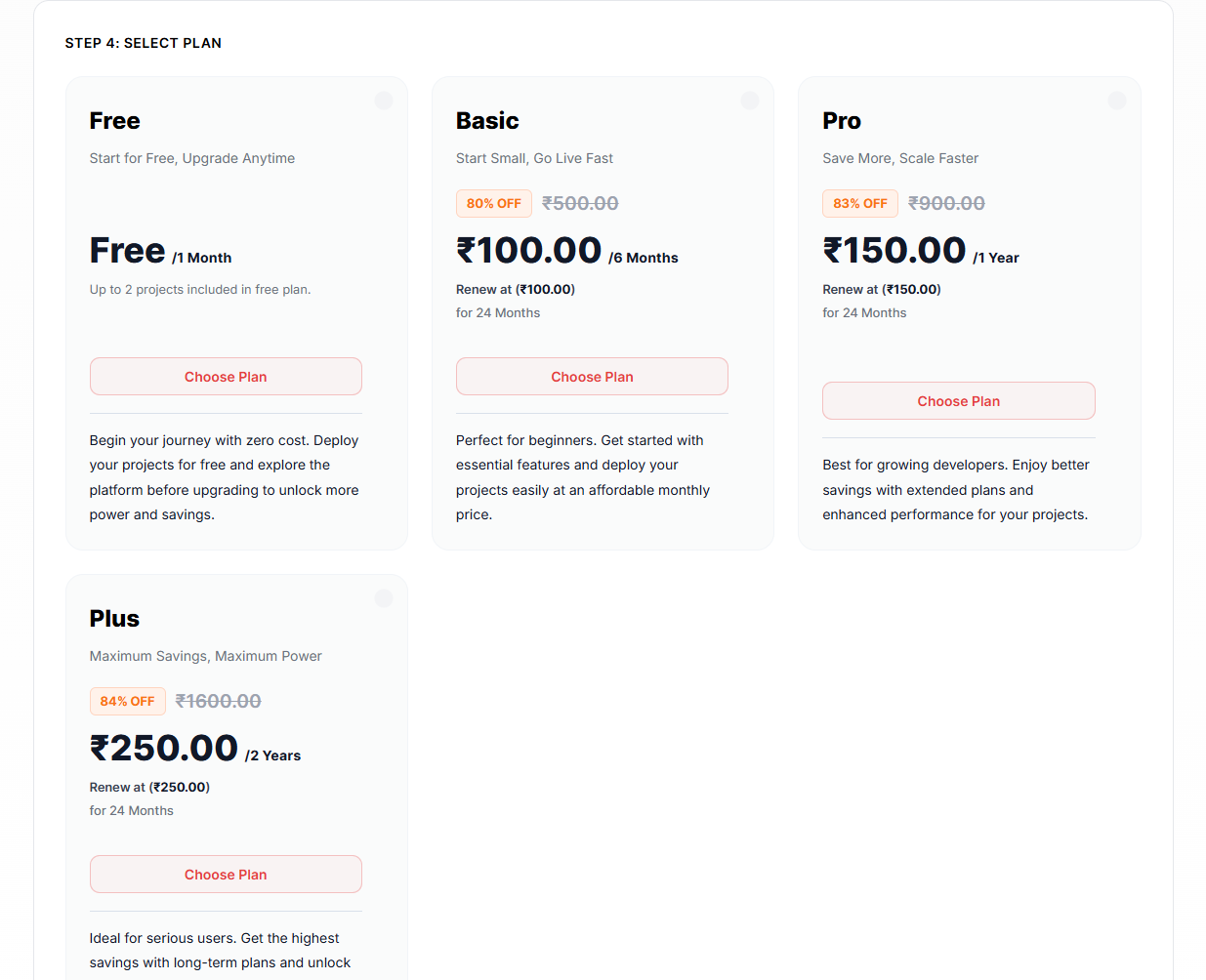
Step 4: Select Plan
Choose the Free Plan.
Perfect for:
- Portfolios
- Landing pages
- Student projects
- Personal websites
- Startup MVPs
Step 5: Configure & Deploy
Configure your deployment settings.
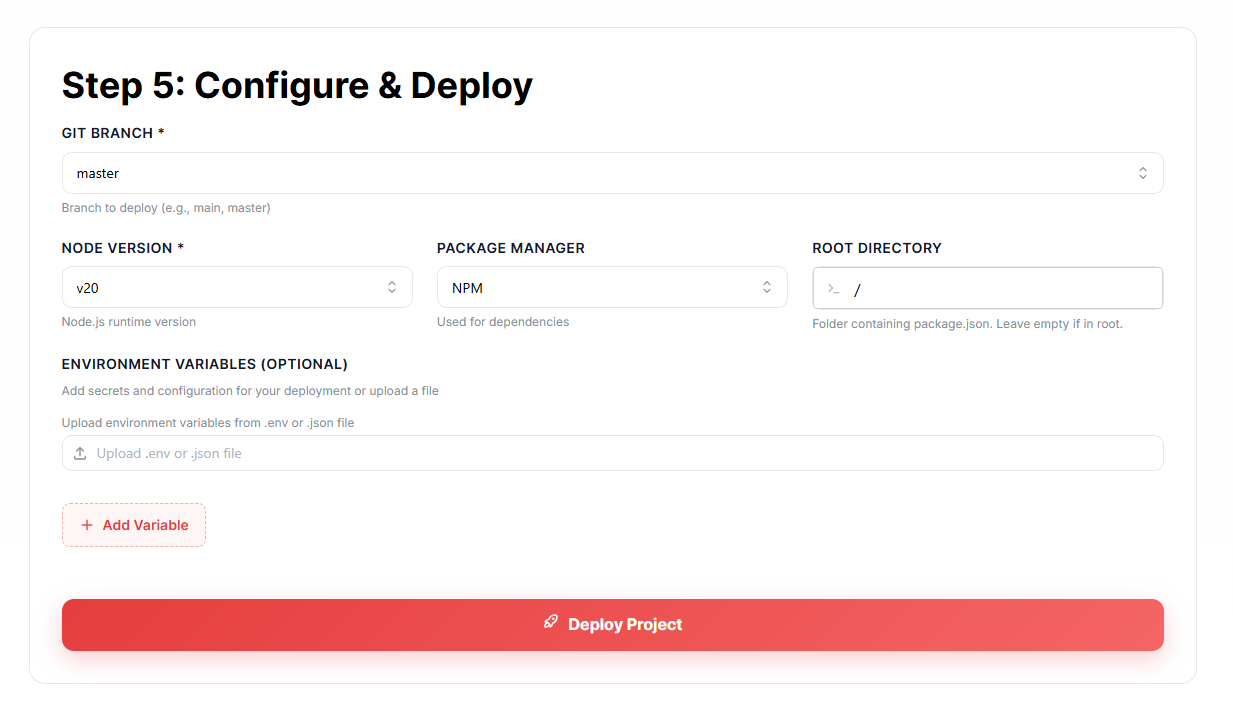
Git Branch
mainNode Version
v20Package Manager
npmRoot Directory
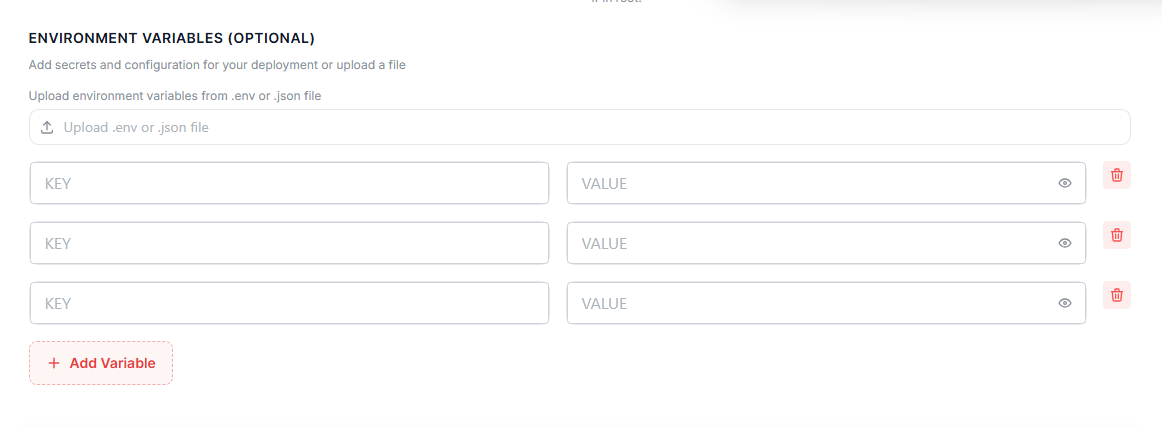
/Environment Variables (Optional)
Most production applications require environment variables.
You can either:
- Upload a
.envfile - Add variables manually
Common examples:
VITE_API_URL=
VITE_APP_NAME=
To add variables manually:
- Click Add Variable
- Enter the variable name
- Enter the variable value
- Save the configuration
This keeps sensitive information secure and separate from your source code.
Click:
Deploy Project
MS Host will automatically:
- Pull your repository
- Install dependencies
- Build your application
- Publish it online
Monitor Deployment
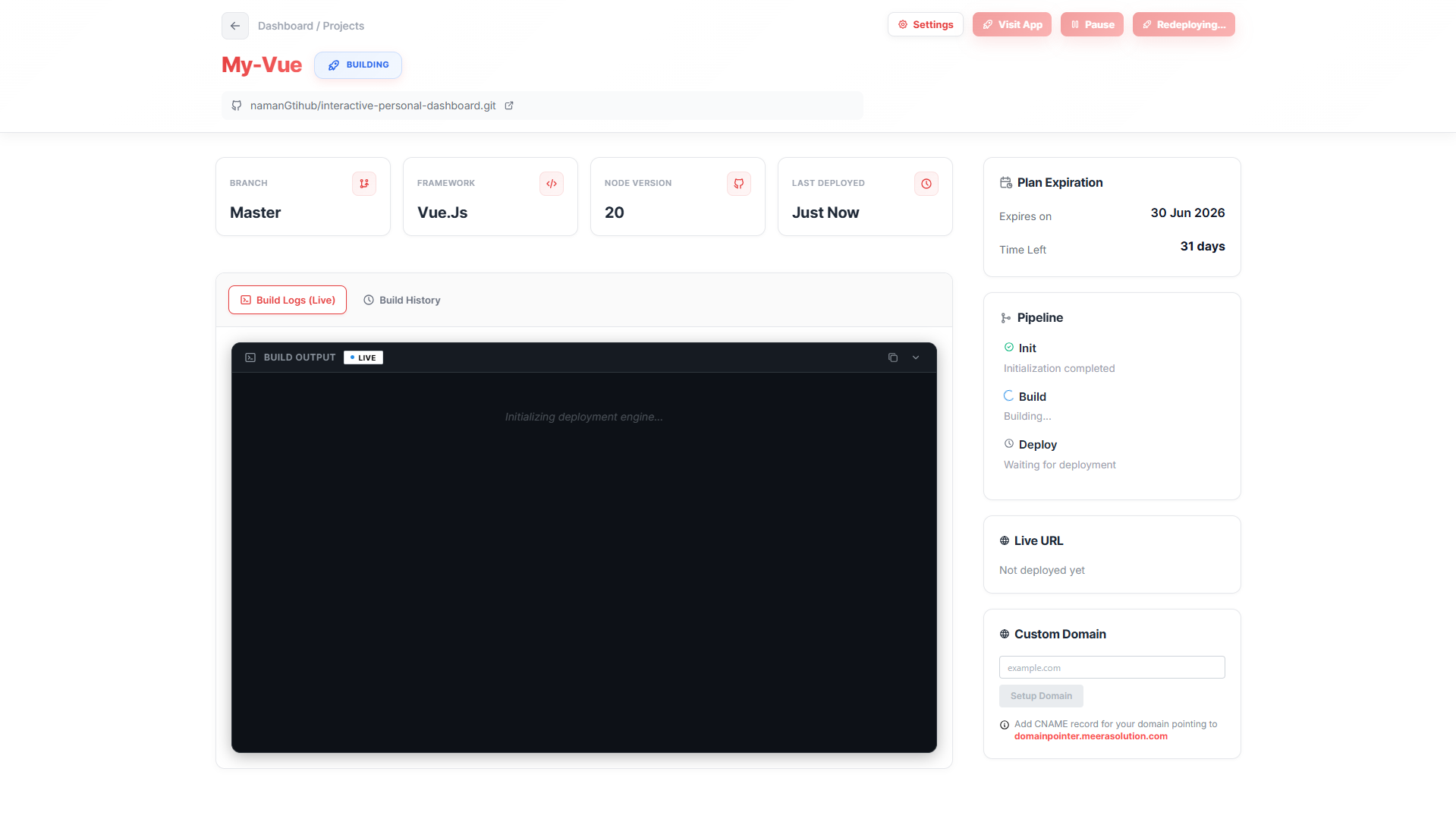
After deployment starts, you'll be redirected to the project dashboard.
The dashboard provides:
- Live build logs
- Deployment status
- Framework information
- Live URL
- Domain settings
Connect a Custom Domain
Want a professional URL?
Instead of:
my-project.ms-host.appyou can use:
www.yourdomain.comSimply add your domain and follow the provided DNS instructions.
Final Thoughts
Vue.js has earned its reputation as one of the most approachable and powerful frontend frameworks available today.
Combined with Vite, developers get a fast, modern development experience that makes building web applications enjoyable.
And with MS Host, deploying those applications is just as easy.
Build your Vue.js application.
Push your code to GitHub.
Deploy for free.
And let MS Host handle the infrastructure while you focus on creating amazing user experiences. 🚀