OpenAI API Explained for Beginners
Learn how the OpenAI API works in a simple, beginner-friendly way. This guide breaks down concepts like prompts, responses, and real-world use cases with practical examples, helping you understand how to build AI-powered applications using OpenAI without getting lost in technical complexity.

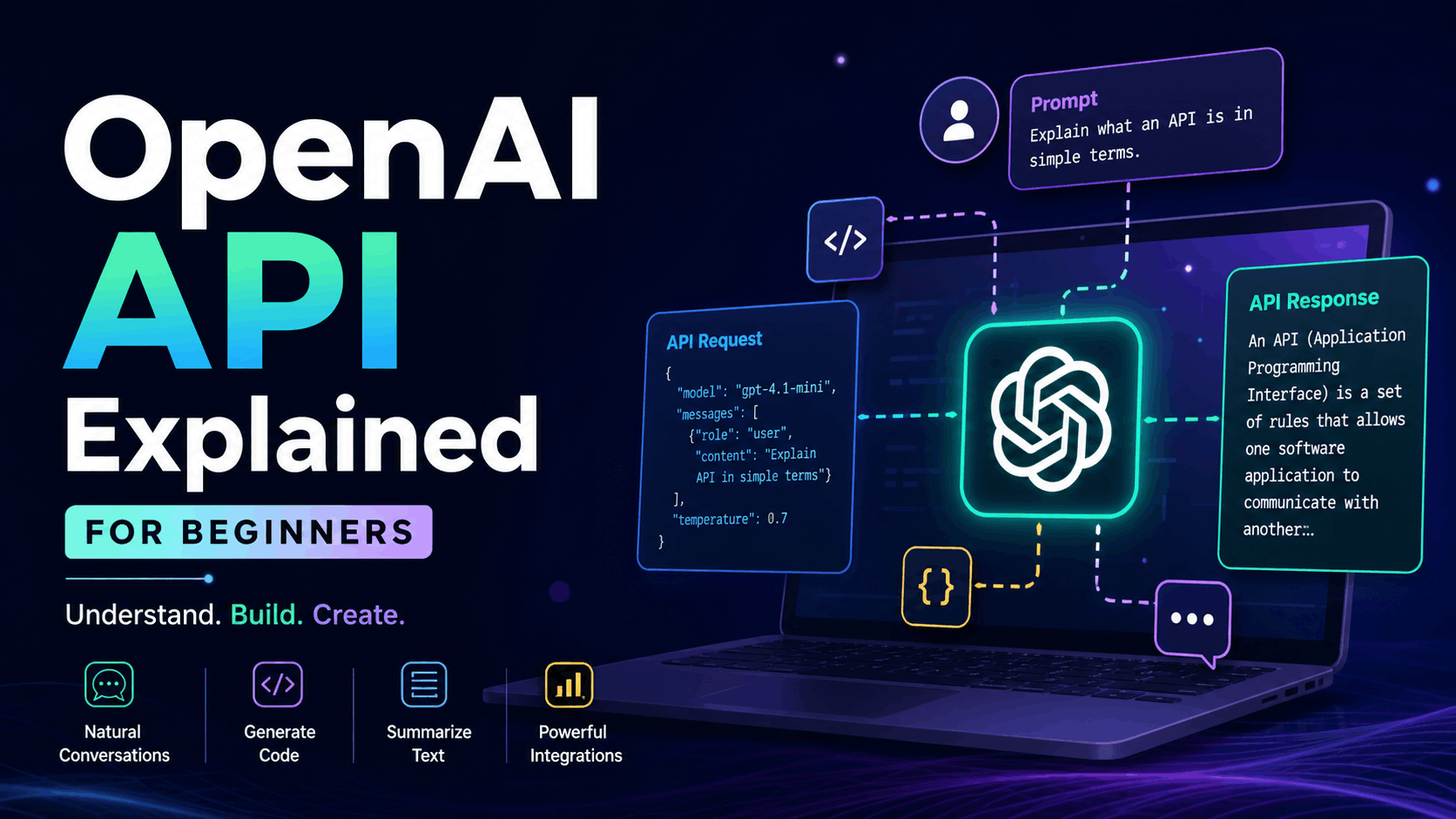
A practical, human-friendly guide to understanding how AI actually works in your apps
Introduction: Why Everyone Is Talking About OpenAI
At some point, you’ve probably used a chatbot that felt surprisingly human. Maybe it helped you write code, summarize notes, or even explain a concept better than a textbook. That experience is powered by something much bigger under the hood: an API.
The OpenAI API is not just a tool. It’s a bridge between your ideas and intelligent systems that can understand, generate, and transform language.
But here’s the problem: most explanations are either too technical or too shallow. Beginners either get overwhelmed by jargon or left with vague understanding.
This blog is different.
By the end, you’ll understand:
- What the OpenAI API actually is
- How it works behind the scenes
- How developers use it in real applications
- How you can start using it yourself
- What mistakes to avoid
No fluff. No unnecessary complexity. Just clear thinking.
What Is an API (Before We Even Talk About OpenAI)
Let’s start simple.
An API (Application Programming Interface) is a way for two systems to talk to each other.
Think of it like this:
- You (the user) → ask a question
- Your app → sends request to API
- API → processes it
- API → returns response
- App → shows it to you
You don’t need to know how the system works internally. You just send a request and get a response.
A real-world analogy:
You go to a restaurant.
- You don’t cook your food.
- You don’t enter the kitchen.
- You just order.
The waiter is the API.
If you want to learn more about APIs, click the “Learn More” button.
So What Is the OpenAI API?
The OpenAI API allows your application to communicate with powerful AI models.
Instead of building AI from scratch (which is extremely complex), you simply:
- Send input (text, image, etc.)
- Get intelligent output (response, code, summary, etc.)
That’s it.
Under the hood, the API connects your app to large language models trained on massive datasets.
What Can You Actually Do With It?
Here’s where things get interesting.
1. Generate Text
You can ask it to:
- Write blogs
- Generate emails
- Create product descriptions
- Explain complex topics
2. Build Chatbots
You can create:
- Customer support bots
- AI assistants
- Interactive learning systems
3. Code Generation
You can:
- Generate functions
- Fix bugs
- Explain code
- Convert one language to another
4. Summarization
Give it:
- Long articles
- Documents
- Notes
Get:
- Short, clear summaries
5. Data Extraction
Example:
- Input: messy text
- Output: structured JSON
How the OpenAI API Works (Step-by-Step)
Let’s break it down like a real request.
Step 1: You Send a Prompt
A prompt is just input.
Example:
“Explain what an API is in simple terms.”
Step 2: API Receives the Request
Your backend sends a request like:
- Model name
- Input text
- Optional settings
Step 3: Model Processes It
The AI:
- Understands context
- Predicts next words
- Builds a meaningful response
Step 4: API Returns Output
You get:
- Text
- Structured data
- Or other formats
Your First API Request (Node.js Example)
Let’s make this real.
Install OpenAI
npm install openai
Basic Example
import OpenAI from "openai";

const client = new OpenAI({
  apiKey: process.env.OPENAI_API_KEY,
});

async function run() {
  const response = await client.responses.create({
    model: "gpt-4.1-mini",
    input: "Explain API in simple words"
  });

  console.log(response.output[0].content[0].text);
}

run();
What’s Happening Here?
- You create a client
- You send input
- You get a response
That’s the entire system in its simplest form.
Understanding Prompts (This Is Where Power Comes From)
Most beginners think the API is the magic.
It’s not.
The real power is in how you ask.
Bad Prompt
“Write something about API”
Good Prompt
“Explain what an API is in simple terms with a real-world example for beginners”
The difference is massive.
Types of Prompts You Should Know
1. Instruction Prompt
Tell the AI what to do.
“Summarize this text in 3 bullet points”
2. Role-Based Prompt
Give the AI a role.
“You are a senior software engineer. Explain REST APIs clearly.”
3. Structured Prompt
Ask for specific output format.
“Convert this into JSON with keys: name, age, role”
Temperature, Tokens, and Other Settings (Simplified)
You don’t need deep theory, but you should understand basics.
Temperature
Controls randomness.
- Low (0.2) → more predictable
- High (0.9) → more creative
Max Tokens
Limits response length.
Think of it like:
“How long should the answer be?”
Real-World Use Case: Building a Chatbot
Let’s say you want to build a chatbot for your website.
Flow:
- User types message
- Frontend sends request to backend
- Backend calls OpenAI API
- Response is returned
- UI updates
Example Backend Route
app.post("/chat", async (req, res) => {
  const { message } = req.body;

  const response = await client.responses.create({
    model: "gpt-4.1-mini",
    input: message
  });

  res.json({
    reply: response.output[0].content[0].text
  });
});
This is enough to build a basic AI chatbot.
Common Mistakes Beginners Make
1. Thinking the API Is Always Right
It’s not.
It can hallucinate or give incorrect answers.
2. Poor Prompt Design
Most bad results come from unclear prompts.
3. Ignoring Costs
API usage is not free beyond limits.
Track usage early.
4. No Validation
Never trust AI blindly in production apps.
Cost and Pricing (Simple View)
You pay based on:
- Input tokens
- Output tokens
More text = more cost
Optimization tips:
- Keep prompts concise
- Avoid unnecessary repetition
- Cache responses when possible
Security Best Practices
- Never expose API key in frontend
- Always call API from backend
- Use environment variables
- Rate-limit your endpoints
Advanced Concepts (Preview)
Once you’re comfortable, you can explore:
1. Streaming Responses
Show responses as they generate (like ChatGPT typing effect)
2. Function Calling
Let AI trigger backend functions
3. Retrieval-Augmented Generation (RAG)
Use your own data with AI
A Better Way to Learn This
Don’t just read.
Build.
Start with:
- Simple chatbot
- Blog generator
- Code assistant
Then improve:
- Add UI
- Add history
- Add real data
Final Thoughts
The OpenAI API is not just another tool.
It changes how we think about building software.
Instead of writing every rule manually, you define intent and let AI handle complexity.
But the real advantage doesn’t come from using the API.
It comes from understanding:
- When to use it
- How to control it
- Where it fails
If you get that right, you’re not just using AI.
You’re building with it.