I Tried Replacing My Workflow with AI for 7 Days
What happens when you try to replace your entire workflow with AI for 7 days? In this honest experiment, I put AI in charge of coding, writing, planning, and decision-making. The result was faster output, unexpected mistakes, and a surprising realization about how AI actually fits into real work.

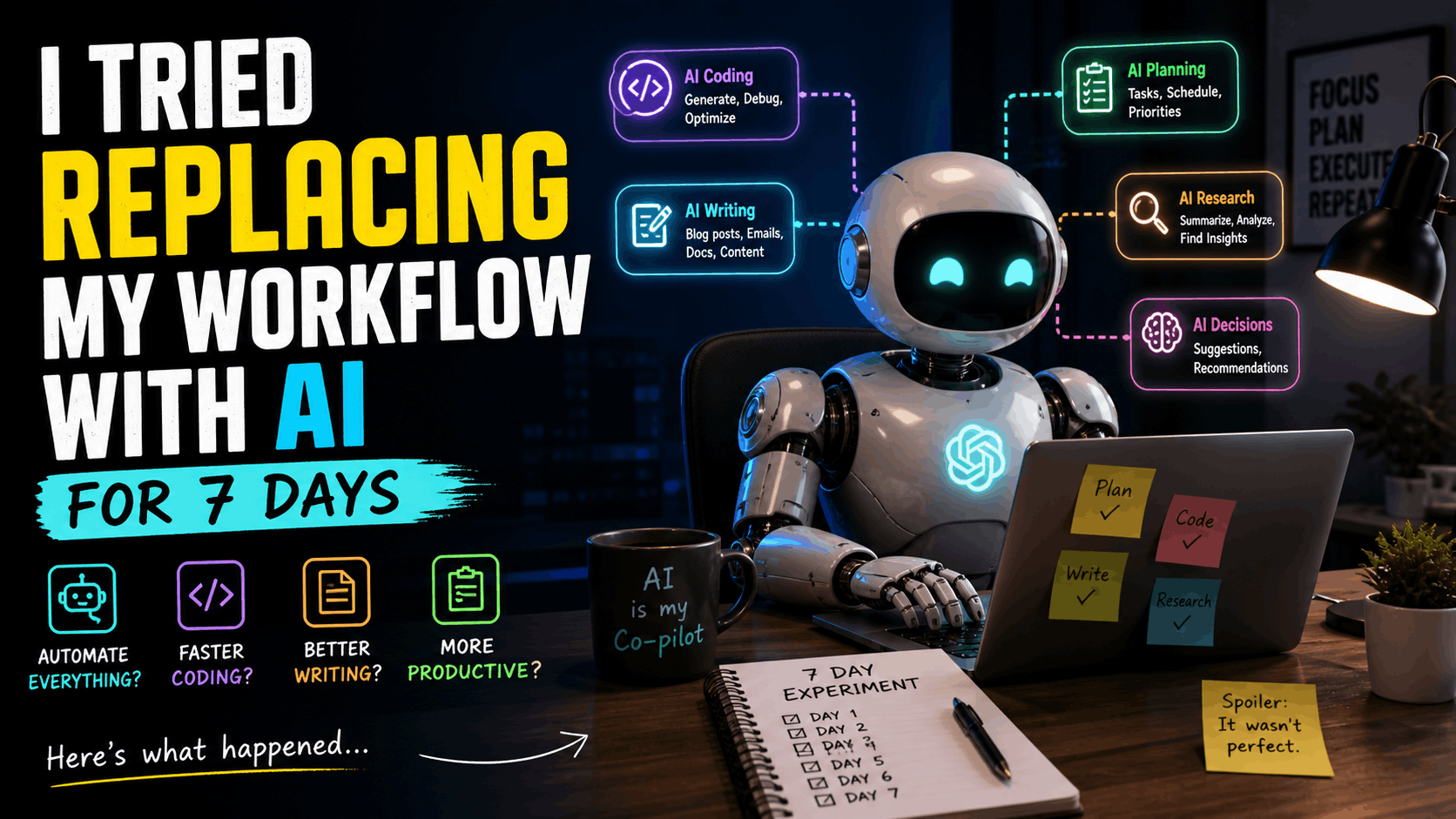
A real experiment on productivity, overconfidence, and where AI actually breaks
Introduction: The Idea That Sounds Smarter Than It Is
There’s a certain kind of confidence that hits you after using AI for a few days.
You generate code faster. You write cleaner sentences. You automate boring tasks. At some point, a thought quietly appears:
“What if I just let AI handle everything?”
That’s where this experiment started.
Not as a serious productivity system. Not as a research project. Just curiosity mixed with a little overconfidence.
For seven days, I tried to replace as much of my workflow as possible with AI.
Not partially. Not “use it when helpful.”
I mean actively depending on it for:
- Coding
- Writing
- Debugging
- Planning
- Decision making
This is what actually happened.
The Rules of the Experiment
To keep things honest, I set a few rules:
- Every task must start with AI
- I can only intervene if necessary
- No “I’ll just do this faster myself” shortcuts
- Track what works, what fails, and what feels off
The goal wasn’t to prove AI is perfect.
The goal was to see what happens when you trust it too much.
Day 1: The Illusion of Control
Day one felt like cheating.
Everything was fast.
I asked AI to:
- Plan my tasks
- Structure my day
- Generate code snippets
- Write small content pieces
And it worked.
Not just “okay.” It worked well.
The responses were clean, structured, and confident. Almost too confident.
I finished tasks faster than usual. There was no friction, no hesitation.
It felt like I had unlocked a shortcut.
But there was something subtle happening.
I stopped thinking deeply.
Day 2: Productivity or Just Output?
The speed continued.
I used AI to:
- Generate a backend route
- Create UI logic
- Write documentation
- Draft blog sections
Everything was technically correct.
But something felt off.
The code worked, but I didn’t fully own it.
The writing was clean, but it didn’t feel like mine.
It was like watching yourself work from a distance.
You’re productive. But are you actually thinking?
Day 3: First Real Friction
This is where things started to crack.
I gave AI a slightly complex task:
“Refactor this logic and optimize it for performance.”
The response looked good.
Structured. Clean. Confident.
But when I tested it:
It broke.
Not obviously. Not instantly.
But in edge cases.
This was the first time I had to slow down and:
- Read every line
- Understand the logic
- Fix the mistakes
And here’s the interesting part:
Fixing AI’s mistakes took longer than writing it myself.
Day 4: Over-Reliance Kicks In
By now, a pattern had formed.
Instead of thinking first, I started prompting first.
Even for simple things.
Instead of:
“Let me quickly write this function”
It became:
“Let me ask AI”
That shift is subtle, but important.
AI didn’t just help me.
It changed how I approached problems.
I was outsourcing thinking.
Day 5: The Confidence Problem
AI has a unique trait.
It sounds sure, even when it’s wrong.
I asked it to:
- Suggest best practices
- Recommend architecture changes
- Evaluate design decisions
The answers sounded correct.
But when I cross-checked:
Some were outdated
Some were generic
Some were just wrong
If you’re not careful, you don’t notice.
Because confidence is convincing.
Day 6: Where AI Actually Shines
Not everything was a problem.
In fact, some things were clearly better with AI.
1. Boilerplate Code
AI is excellent at:
- Setting up basic structures
- Generating repetitive code
- Saving time on predictable tasks
2. Explaining Concepts
When stuck, asking AI:
- Clarified ideas faster
- Reduced mental friction
3. Drafting Content
It helped:
- Break writer’s block
- Generate outlines
- Expand ideas
Used correctly, it felt like a strong assistant.
Not a replacement.
Day 7: The Reality Check
By the final day, something became clear.
AI didn’t replace my workflow.
It changed it.
And not always in a good way.
What improved:
- Speed
- Idea generation
- Starting tasks
What got worse:
- Deep thinking
- Code ownership
- Decision confidence
I wasn’t becoming more skilled.
I was becoming more dependent.
The Biggest Lessons
1. AI Is a Multiplier, Not a Replacement
If you already understand what you’re doing, AI makes you faster.
If you don’t, it hides your weaknesses.
2. Speed Without Understanding Is Dangerous
Fast output feels productive.
But if you don’t understand what you’re building, you’re creating fragile systems.
3. Prompting Is a Skill
The quality of results depends heavily on how you ask.
Bad prompt → average result
Good prompt → strong result
4. You Still Need to Think
This is the most important one.
AI doesn’t remove the need for thinking.
It makes it easier to avoid it.
What I Changed After This Experiment
I didn’t stop using AI.
That would be pointless.
Instead, I changed how I use it.
Before:
Ask AI → Copy → Move on
Now:
Think → Ask AI → Verify → Improve
That small change made a huge difference.
A Better Workflow (That Actually Works)
Here’s what I recommend after this experiment:
Step 1: Think First
Understand the problem yourself.
Step 2: Use AI for Acceleration
Let it:
- Generate drafts
- Suggest ideas
- Speed up execution
Step 3: Review Everything
Never trust blindly.
Step 4: Refine Manually
Make it yours.
The Honest Conclusion
Replacing your workflow with AI sounds efficient.
It’s not.
At least not completely.
AI is powerful.
But it’s not responsible for your thinking.
If you give it full control, you gain speed but lose depth.
And depth is where real skill lives.
If You Want to Try This Yourself
Try the same experiment.
But track:
- Where AI helps
- Where it slows you down
- Where you stop thinking
You’ll notice patterns quickly.
Final Thought
AI doesn’t replace you.
It amplifies you.
So the real question is not:
“Can AI do this for me?”
It’s:
“Am I still in control of what I’m building?”