How to Use TanStack Query in React (Beginner to Advanced) – The Only Guide You Need in 2026
Master TanStack Query in React from beginner to advanced with this complete 2026 guide. Learn data fetching, caching, mutations, and performance optimization in a simple, practical, and easy-to-understand way.

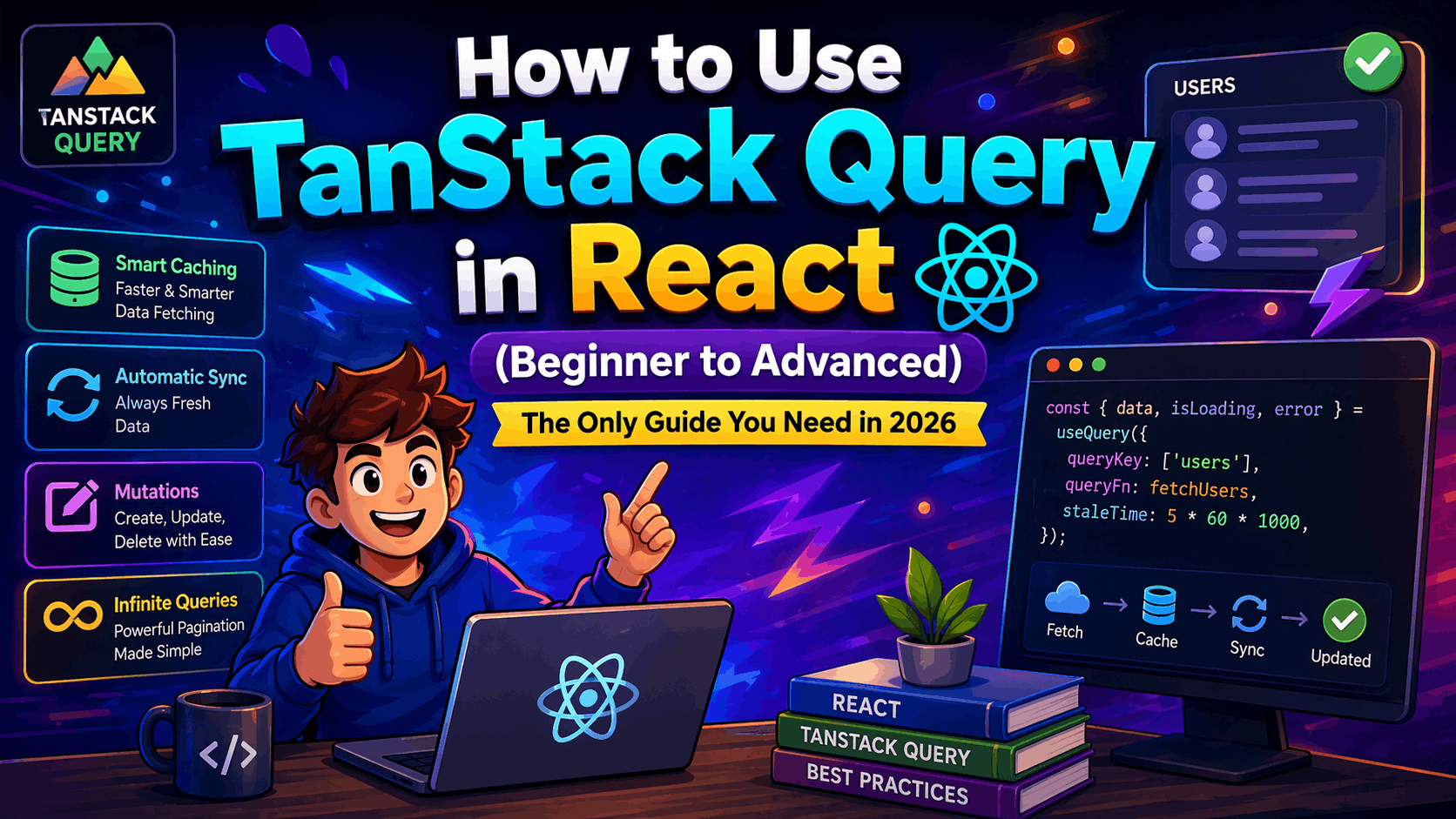
If you’ve ever built a React app and found yourself drowning in useEffect, loading states, caching issues, or repeated API calls, you’re not alone. Managing server state in React used to feel like juggling too many things at once—until libraries like TanStack Query changed the game completely.
TanStack Query (previously known as React Query) is one of the most powerful tools you can add to your React toolkit. It simplifies data fetching, caching, synchronization, and even background updates—all without forcing you into complex state management patterns.
In this guide, we’re going to go from absolute beginner concepts all the way to advanced usage. By the end, you won’t just use TanStack Query — you’ll understand how it actually works and how to use it like a pro.
Why TanStack Query Exists (And Why You Should Care)
Let’s start with a simple truth: React is great at managing UI state, but it doesn’t handle server state well out of the box.
Think about it. Every time you fetch data manually, you end up writing code like this:
- Loading states
- Error handling
- Caching
- Refetching
- Keeping data fresh
And most of this gets repeated across components.
This is exactly the problem TanStack Query solves.
Instead of manually managing API data, TanStack Query gives you a clean abstraction where your components simply ask for data, and the library handles everything behind the scenes.
Once you experience this shift, going back useEffect feels painful.
What is TanStack Query?
TanStack Query is a data-fetching and state management library designed specifically for handling asynchronous server state in React applications.
Unlike global state tools like Redux or Zustand, TanStack Query focuses only on server data — things that come from APIs.
It gives you:
- Automatic caching
- Background updates
- Smart refetching
- Request deduplication
- Pagination & infinite queries
- Mutations with optimistic updates
And the best part? You write less code while getting better performance.
Installing TanStack Query
Before we dive deeper, let’s get it into your project.
If you're using a React app built with Vite or Create React App, installation is straightforward.
npm install @tanstack/react-queryOnce installed, you need to wrap your application with a Query Client.
Setting Up Query Client (The Right Way)
This is the foundation of everything in TanStack Query.
import { QueryClient, QueryClientProvider } from '@tanstack/react-query';

const queryClient = new QueryClient();

function App() {
  return (
    <QueryClientProvider client={queryClient}>
      <YourApp />
    </QueryClientProvider>
  );
}
This client manages caching, fetching, and syncing across your app.
At this point, you’re ready to fetch your first API.
Your First Query (useQuery Hook)
Let’s fetch some data using useQuery.
import { useQuery } from '@tanstack/react-query';
import axios from 'axios';

const fetchUsers = async () => {
  const { data } = await axios.get('/api/users');
  return data;
};

function Users() {
  const { data, isLoading, error } = useQuery({
    queryKey: ['users'],
    queryFn: fetchUsers,
  });

  if (isLoading) return <p>Loading...</p>;
  if (error) return <p>Error loading users</p>;

  return (
    <div>
      {data.map((user) => (
        <p key={user.id}>{user.name}</p>
      ))}
    </div>
  );
}
Here’s what’s happening under the hood—and this is where the magic begins.
TanStack Query automatically caches this data using the queryKey. If another component requests the same key, it doesn’t refetch — it uses cached data instantly.
That means faster UI and fewer API calls without you doing anything extra.
Understanding Query Keys (This is IMPORTANT)
Query keys are the identity of your data.
Think of them like unique IDs for your API calls.
['users']
['user', userId]
['posts', { page: 1 }]
The more structured your keys, the better your caching works.
Bad keys = messy cache
Good keys = predictable data flow
This is one of the biggest differences between beginners and advanced users.
Caching & Stale Data (The Secret Sauce)
TanStack Query doesn’t just cache — it intelligently decides when data becomes stale.
By default:
- Data is cached
- It becomes stale immediately
- It refetches when needed
You can control this behavior:
useQuery({
  queryKey: ['users'],
  queryFn: fetchUsers,
  staleTime: 1000 * 60 * 5, // 5 minutes
});
Now your data stays fresh for 5 minutes before refetching.
This small change can massively improve performance.
Refetching Strategies (Smart UX)
One of the most underrated features is automatic refetching.
TanStack Query can refetch data when:
- The window regains focus
- The network reconnects
- The component mounts again
You can control all of this:
useQuery({
  queryKey: ['users'],
  queryFn: fetchUsers,
  refetchOnWindowFocus: false,
});
This gives you full control over your app’s behavior.
Mutations (Creating, Updating, Deleting Data)
Fetching is only half the story. What about updating data?
That’s where useMutation comes in.
import { useMutation, useQueryClient } from '@tanstack/react-query';

const queryClient = useQueryClient();

const mutation = useMutation({
  mutationFn: (newUser) => axios.post('/api/users', newUser),
  onSuccess: () => {
    queryClient.invalidateQueries(['users']);
  },
});
When the mutation succeeds, it invalidates the users query, forcing it to refetch fresh data.
This keeps your UI in sync automatically.
Optimistic Updates (Make Your App Feel Instant)
Want your app to feel fast even on slow networks?
Use optimistic updates.
Instead of waiting for the server, you update the UI immediately.
onMutate: async (newUser) => {
  await queryClient.cancelQueries(['users']);

  const previousUsers = queryClient.getQueryData(['users']);

  queryClient.setQueryData(['users'], (old) => [...old, newUser]);

  return { previousUsers };
},
onError: (err, newUser, context) => {
  queryClient.setQueryData(['users'], context.previousUsers);
},
This is how apps feel instant — even when they aren’t.
Pagination & Infinite Queries
Handling pagination manually is painful. TanStack Query makes it clean.
useQuery({
  queryKey: ['posts', page],
  queryFn: () => fetchPosts(page),
});
For infinite scrolling:
useInfiniteQuery({
  queryKey: ['posts'],
  queryFn: fetchPosts,
  getNextPageParam: (lastPage) => lastPage.nextCursor,
});
This is perfect for modern apps like feeds and dashboards.
DevTools (Your Best Friend While Debugging)
You can install DevTools for debugging:
npm install @tanstack/react-query-devtoolsIt gives you a visual view of the following:
- Cached data
- Query states
- Refetch behavior
If you’re serious about mastering TanStack Query, don’t skip this.
When NOT to Use TanStack Query
Let’s keep it real — it’s not for everything.
Avoid using it for:
- Local UI state (modals, toggles)
- Static data
- Simple one-time fetches
For those, React state or something like Zustand is enough.
TanStack Query vs Traditional Approach
Traditional React:
- Manual fetching
- useEffect everywhere
- Repetitive logic
- No caching
TanStack Query:
- Declarative fetching
- Built-in caching
- Cleaner code
- Better performance
Once you switch, there’s no going back.
Real-World Example (How You’ll Actually Use It)
Imagine building:
- Dashboard
- E-commerce app
- Admin panel
You’ll have:
- Products
- Users
- Orders
Instead of writing API logic everywhere, you centralize everything with TanStack Query.
Your components stay clean, and your data layer becomes predictable.
Final Thoughts
TanStack Query isn’t just a library — it’s a mindset shift.
It changes how you think about data in React.
Instead of worrying about fetching, caching, syncing, and refetching, you focus on building your UI while the library handles the rest.
And honestly, once you get comfortable with it, you’ll wonder how you ever built apps without it.