How to Host Jenkins for Free in 2026 (Complete Beginner's Guide)
Learn what Jenkins is and how to host Jenkins for free with MS Host. Launch your own CI/CD server in minutes, automate builds and deployments, and start learning DevOps without managing a VPS.

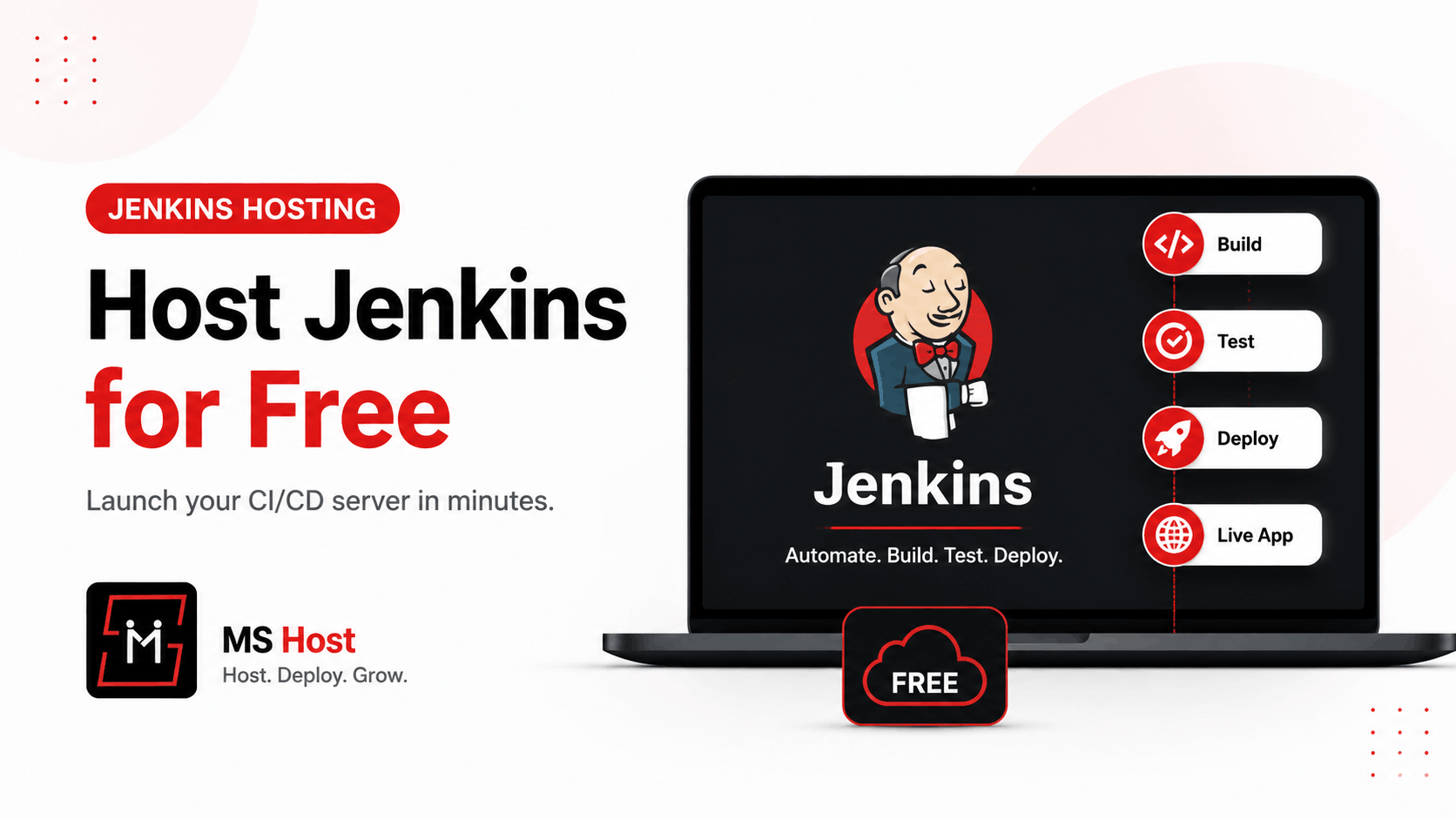
Learn how to host Jenkins for free with MS Host. Launch your Jenkins server in minutes without managing a VPS or complex infrastructure.
Introduction
If you've ever searched for Jenkins tutorials, you've probably seen the same advice:
- Rent a VPS
- Install Java
- Configure Docker
- Open firewall ports
- Configure SSL
- Set up backups
- Maintain the server
For experienced DevOps engineers, that's normal.
For most developers, it's frustrating.
You want to learn Jenkins and build CI/CD pipelines—not spend hours configuring infrastructure.
That's why managed Jenkins hosting is becoming increasingly popular.
In this guide, you'll learn how you can launch your own Jenkins server for free using MS Host in just a few clicks.
Free Jenkins Hosting with MS Host
MS Host simplifies the entire process.
Instead of configuring servers manually, you can launch a Jenkins instance directly from the dashboard.
Benefits include:
- Free hosting plan available
- No VPS management
- No manual Jenkins installation
- Built-in deployment process
- Runtime logs
- Custom domains
- Simple dashboard management
This allows developers to focus on CI/CD instead of infrastructure.
Getting Started with MS Host
Step 1: Create an Account
Visit MS Host and create your account.
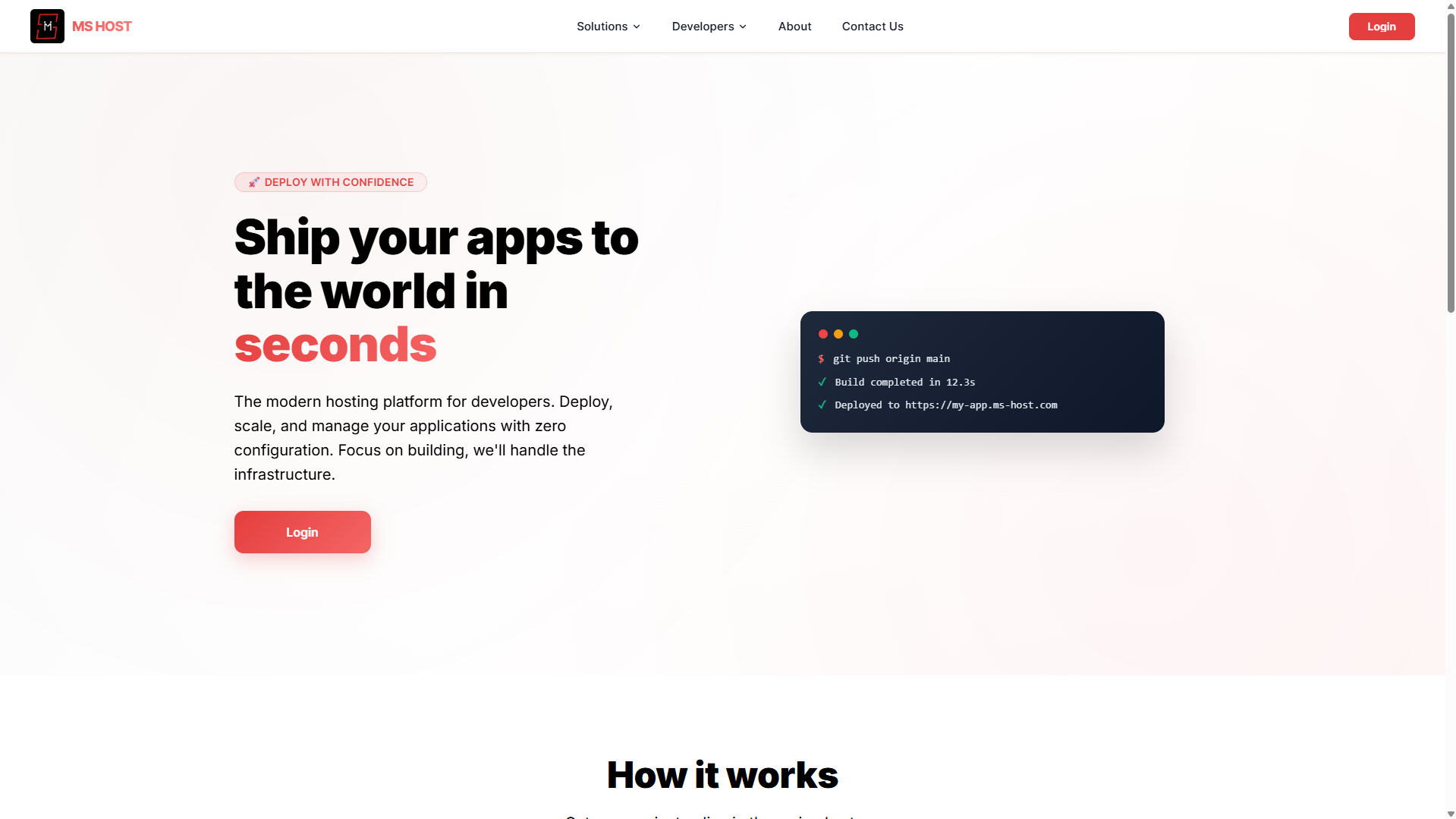
You can register using:
- Email and password
- Google Sign-In
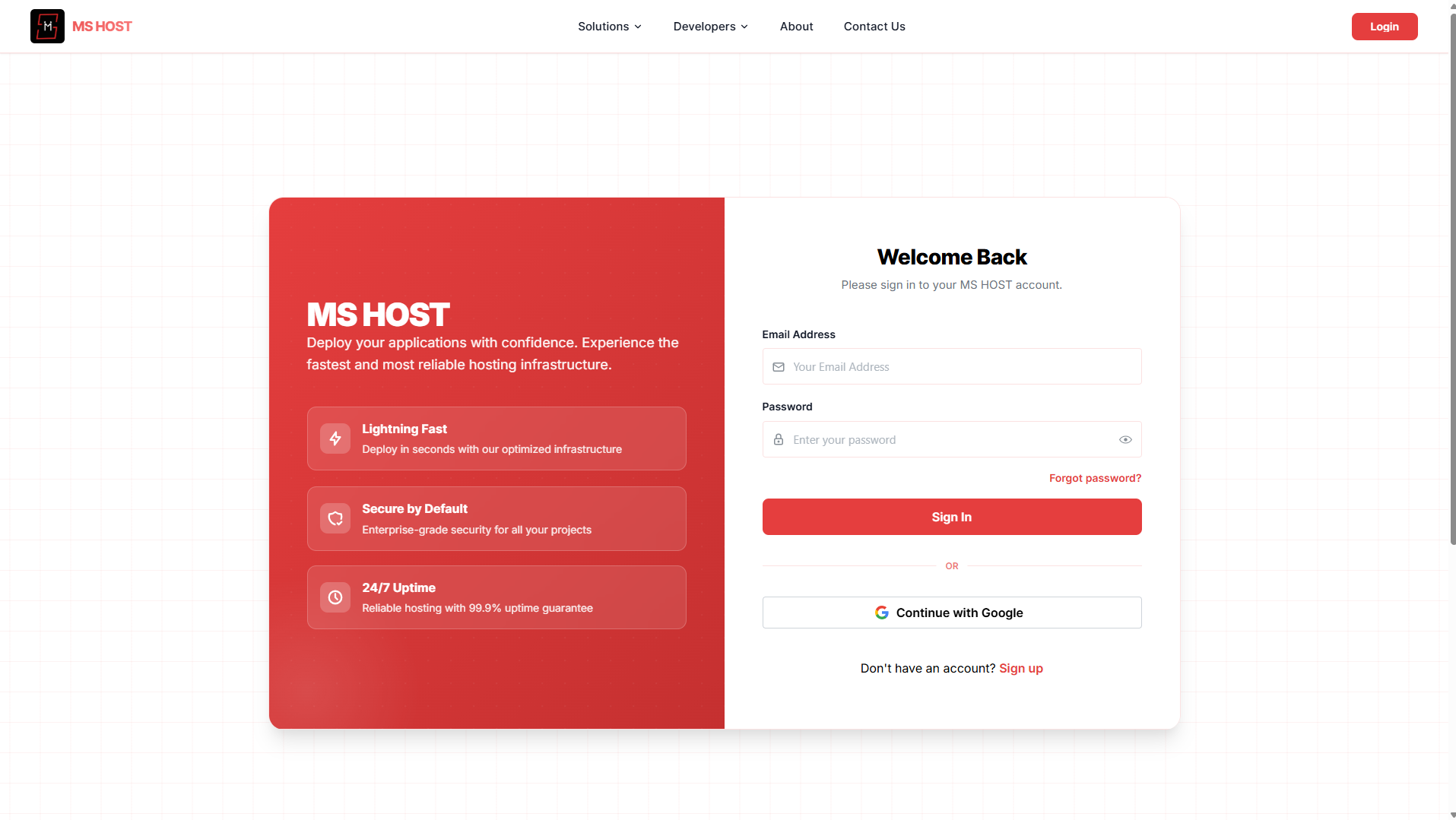
After logging in, you'll be taken to the MS Host dashboard.
Step 2: Open the Jenkins Section
From the dashboard sidebar, select:
Jenkins
You'll see the Jenkins deployment page.
If this is your first deployment, you'll be presented with:
Create Your First Jenkins Project
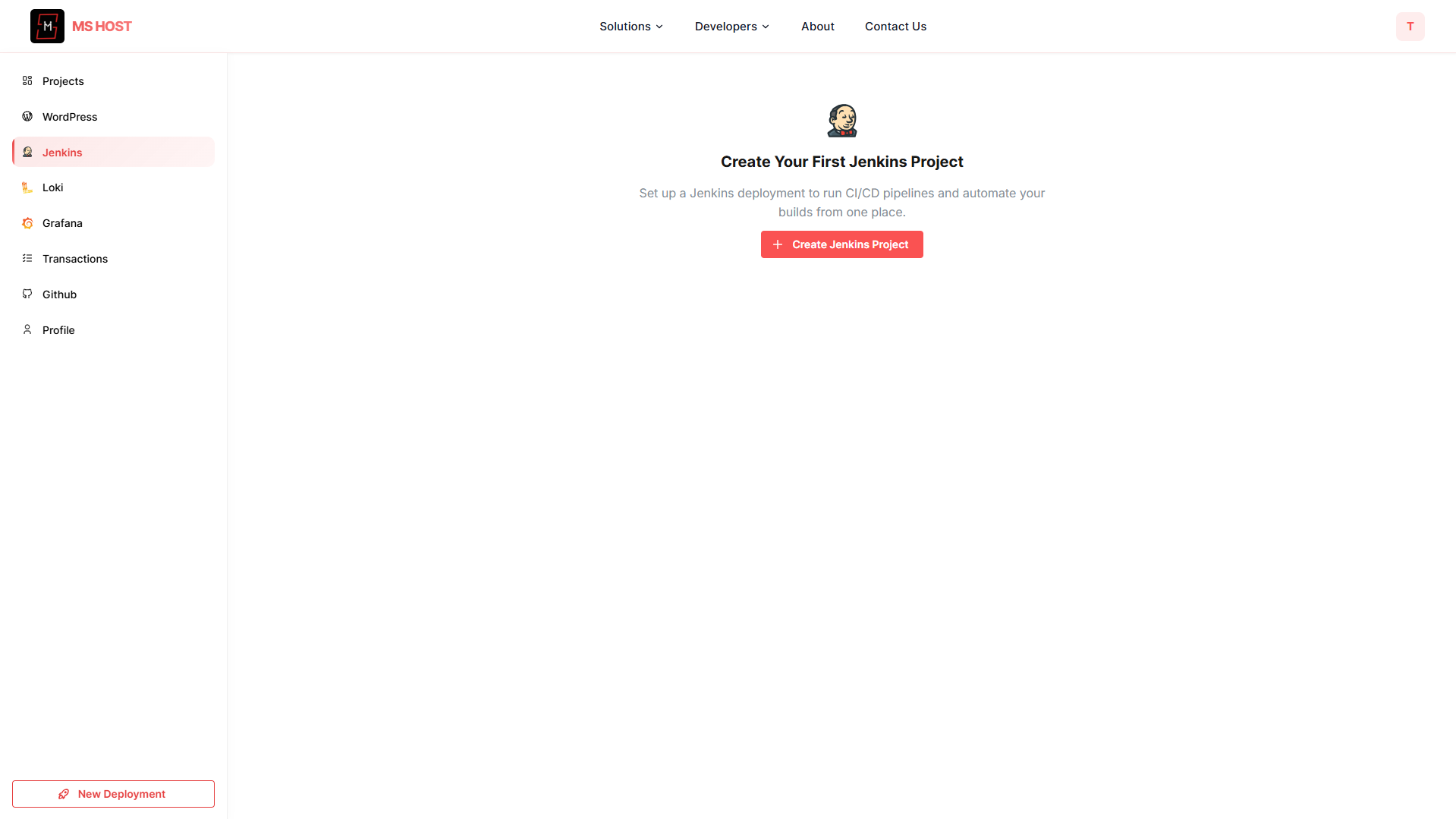
Click:
Create Jenkins Project
to begin.
Deploy Jenkins in Minutes
MS Host simplifies deployment into three steps.
Step 1: Your Jenkins Project Name
Enter a name for your Jenkins instance.
Example:
My-CI-Serveror
Team-JenkinsThis name helps identify your deployment later.

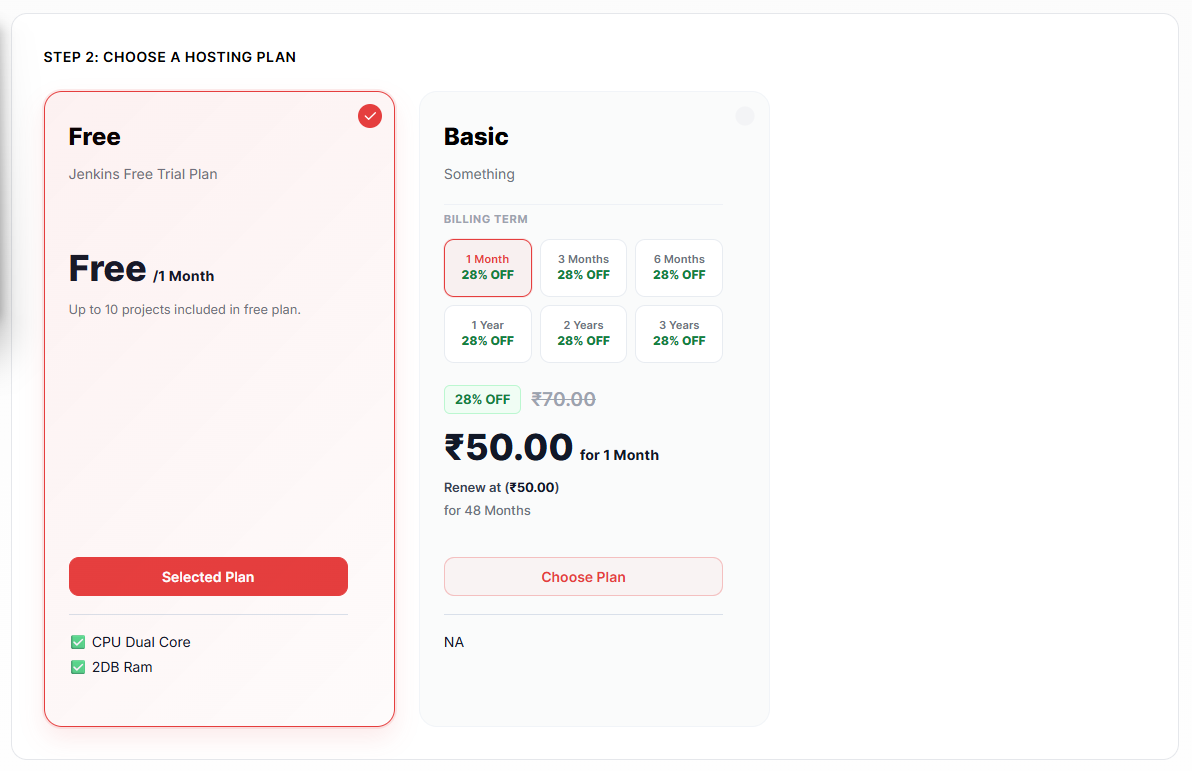
Step 2: Choose a Hosting Plan
Select a hosting plan.
For most users, the Free Plan is the perfect starting point.
The Free Plan includes:
- Jenkins hosting
- CPU resources
- Memory allocation
- Dashboard access
- Runtime logs
Perfect for:
- Learning Jenkins
- Personal projects
- Student projects
- CI/CD practice
- Small development teams
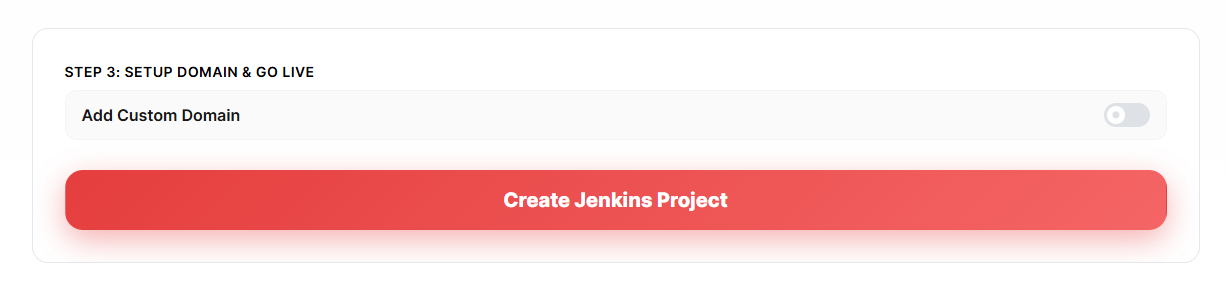
Step 3: Setup Domain & Go Live
You can optionally attach a custom domain.
Examples:
jenkins.yourcompany.comor
ci.yourdomain.comIf you don't need a custom domain yet, simply continue.
Click:
Create Jenkins Project
MS Host will automatically provision and deploy your Jenkins instance.
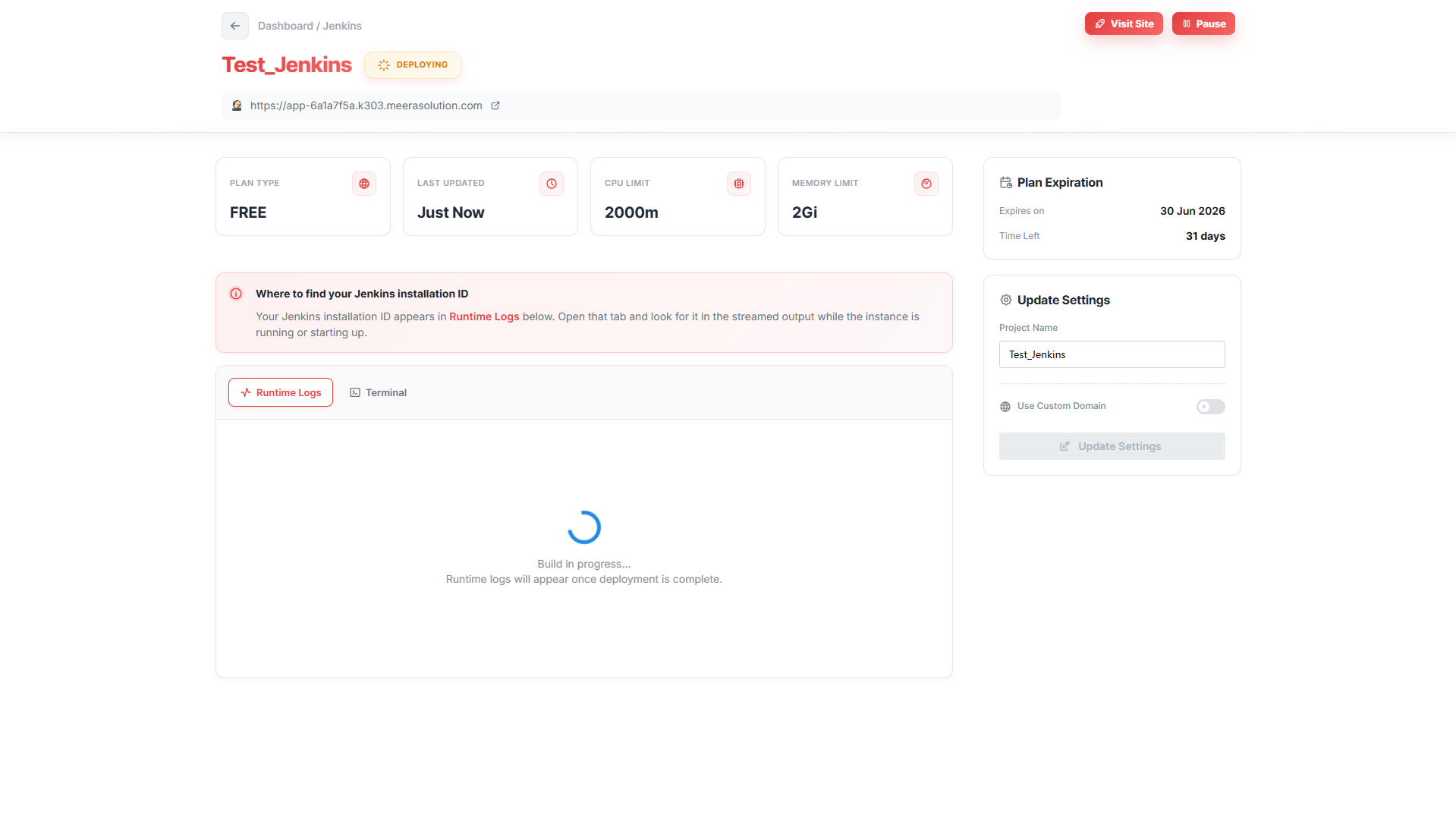
Monitoring Your Jenkins Deployment
After deployment begins, you'll be redirected to the Jenkins dashboard.
This page provides:
- Deployment status
- Runtime logs
- Resource information
- Plan details
- Domain settings
Runtime Logs
One of the most useful features is the Runtime Logs section.
These logs show:
- Jenkins startup process
- Installation status
- Runtime information
- Generated credentials
- Jenkins installation ID
This helps developers troubleshoot issues quickly.
Accessing Jenkins
Once deployment completes, click the following:
Visit Site
MS Host provides a live URL where your Jenkins instance is available.
Example:
https://your-jenkins-instance.example.comAt this point, Jenkins is ready to use.
Why Free Jenkins Hosting Matters
For many developers, the hardest part of learning Jenkins isn't Jenkins itself.
It's setting up the infrastructure.
A free hosted solution removes those barriers.
Instead of spending hours configuring servers, you can immediately start learning:
- CI/CD pipelines
- Build automation
- Deployment workflows
- GitHub integrations
- DevOps fundamentals
This dramatically shortens the learning curve.
Common Jenkins Use Cases
Developers commonly use Jenkins for:
Application Deployment
Automatically deploy applications after code changes.
Automated Testing
Run tests before releasing software.
Continuous Integration
Validate every code commit automatically.
Continuous Deployment
Push approved changes directly to production.
Scheduled Jobs
Execute recurring tasks automatically.
Final Thoughts
Jenkins remains one of the most powerful and widely used CI/CD tools in software development.
The challenge has never been learning Jenkins.
The challenge has traditionally been hosting and maintaining it.
With MS Host, you can skip the complicated server setup and launch a Jenkins instance in minutes. No VPS management, no manual installation, and no infrastructure headaches.
Simply create an account, choose the free plan, deploy your Jenkins project, and start building automated workflows immediately.
Whether you're a student learning DevOps, a freelancer managing client deployments, or a development team building CI/CD pipelines, free Jenkins hosting provides one of the easiest ways to get started.
Build faster. Automate more. Deploy smarter. 🚀