What is CORS and Why Does It Happen?
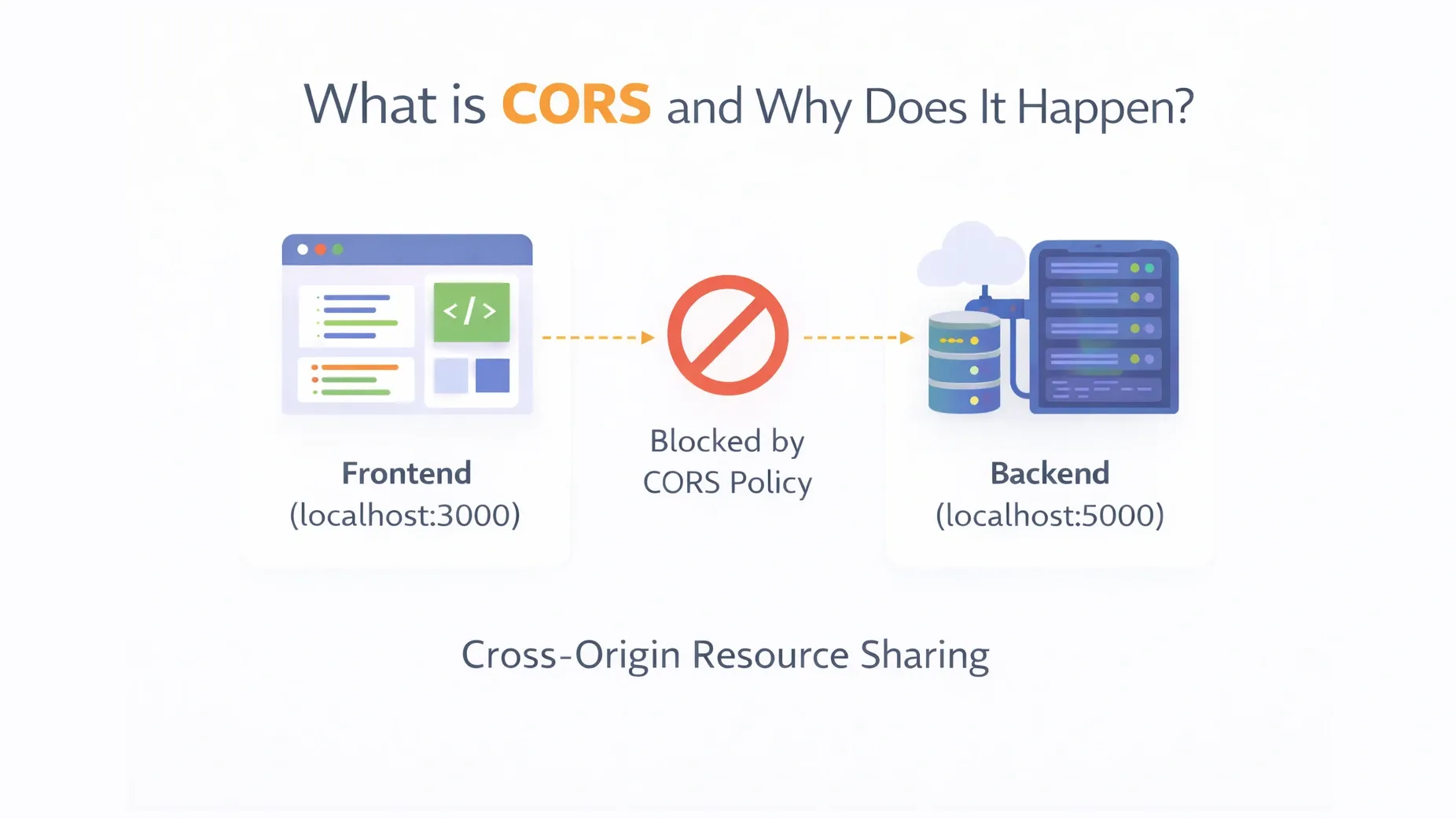
If you've ever seen this error in your browser:
Access to fetch at 'https://api.example.com'
from origin 'http://localhost:3000'
has been blocked by CORS policy
You probably thought:
“Why is this happening? My API works!”
Let’s understand what CORS is, why it exists, and how to fix it.
🔹 First: What is an Origin?
An origin consists of:
Protocol + Domain + Port
Example:
http://localhost:3000
If ANY of these change, it becomes a different origin.
Example differences:
| URL | Same Origin? |
|---|---|
| http://example.com | ❌ Different domain |
| https://example.com | ❌ Different protocol |
| http://example.com:5000 | ❌ Different port |
🔹 What is CORS?
CORS stands for:
Cross-Origin Resource Sharing
It is a browser security feature that restricts web pages from making requests to a different origin unless explicitly allowed.
Important:
> CORS is enforced by the browser.
> It is NOT a server error.
🔹 Why Does CORS Exist?
Imagine a malicious website:
evil.com
It secretly makes a request to:
yourbank.comAnd tries to access your private data.
Without CORS restrictions, that would be dangerous.
So browsers block cross-origin requests by default.
CORS protects users.
🔹 When Does CORS Happen?
CORS happens when:
- Your frontend is running on
localhost:3000 - Your backend is running on
localhost:5000
Different ports → different origins → CORS triggered.
🔹 Simple Example
Frontend:
fetch("http://localhost:5000/api/data")
  .then(res => res.json())
  .then(data => console.log(data));
If the server does not allow cross-origin requests, the browser blocks it.
🔹 How CORS Actually Works
When a cross-origin request is made, the browser sends:
Origin: http://localhost:3000
The server must respond with:
Access-Control-Allow-Origin: http://localhost:3000
If not, the browser blocks the request.
🔹Preflight Requests (Important Concept)
For certain requests (like POST with JSON), the browser first sends an:
OPTIONS
request before the real request.
This is called a:
Preflight Request
It checks if the server allows:
- Method (POST, PUT, DELETE)
- Headers
- Origin
If allowed → actual request proceeds.
🔹 Types of CORS Requests
Simple Request
- GET
- POST (basic)
- No custom headers
Preflight Request
- PUT
- DELETE
- Custom headers
- JSON content-type
🔹 How to Fix CORS (Backend Side)
CORS must be handled on the server.
Install CORS package
npm install corsUse in server
const express = require("express");
const cors = require("cors");

const app = express();

app.use(cors());

app.get("/api/data", (req, res) => {
  res.json({ message: "Hello from server" });
});

app.listen(5000);
This allows all origins.
More Secure Version
app.use(cors({
  origin: "http://localhost:3000"
}));
Now only that origin is allowed.
🔹 Important Clarification
CORS errors happen in the browser.
If you test API using:
- Postman
- curl
- Thunder Client
It will work fine.
Because CORS is a browser rule.
🔹 Common Beginner Mistakes
❌ Trying to fix CORS from frontend
❌ Disabling browser security
❌ Using * in production
❌ Not understanding preflight
🔹 Quick Summary
| Concept | Meaning |
|---|---|
| Origin | Protocol + Domain + Port |
| CORS | Browser security rule |
| Preflight | OPTIONS request |
| Fix | Configure backend headers |
🔹 Conclusion
CORS is not a bug.
It is a browser security feature that prevents malicious cross-origin requests.
To fix it:
- Configure your backend
- Allow specific origins
- Understand preflight requests
Once you understand CORS, it becomes simple.