The Developer’s Guide to Surviving the Dependency Jungle: Mastering "npm audit"
Stop deploying vulnerable code. 🛡️ Master npm audit to hunt and fix security leaks in your apps. From decoding "Critical" risks to manual dependency surgery with Overrides, this guide turns you into a Node.js security pro. Secure your supply chain and ship with confidence!

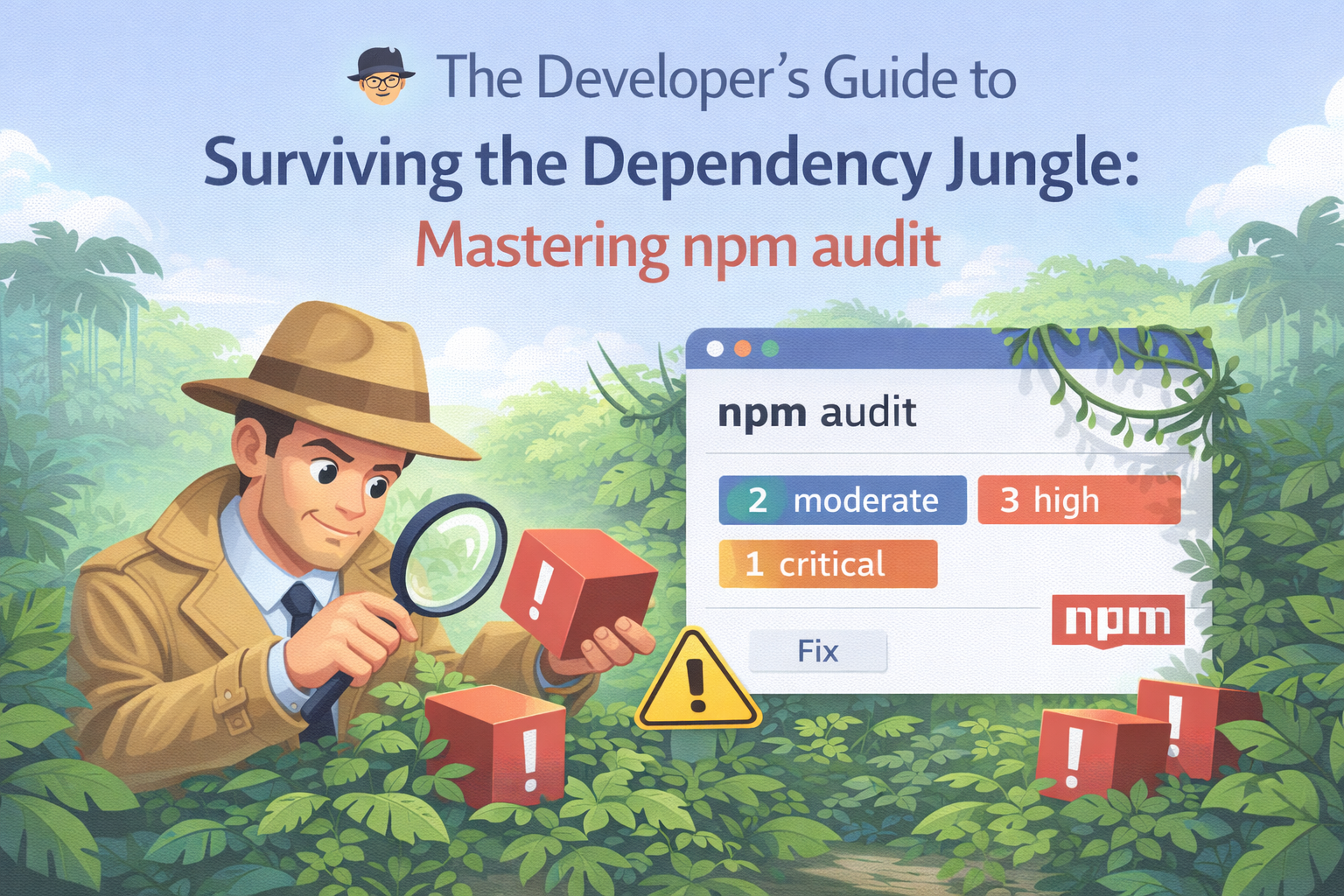
Imagine you’ve just built the world’s cleanest Next.js dashboard. The UI is sleek, the NestJS backend is humming, and you’re ready to deploy. You run one final command, and suddenly, your terminal screen turns into a sea of RED.
"14 vulnerabilities found (4 Critical, 10 High)."
Your heart sinks. Is your code bad? No. But the "strangers" you invited into your project (your dependencies) might be. Let’s learn how to kick the bad actors out without breaking your app.
1. The "Stranger Danger" of Node Modules
When you npm install one package, you aren't just installing one folder. You’re inviting that package’s "friends," and their "friends," and their "second cousins."
By the time you're done, your node_modules folder is heavier than a black hole. npm audit is your security guard at the door, checking the IDs of every single guest in that massive crowd.
Why should you care?
In 2026, supply-chain attacks are the #1 threat. If a small utility library you use for "formatting dates" gets hacked, a malicious actor could steal your environment variables or hijack your hosting server.
2. Reading the "Rap Sheet" (The Audit Report)
When you run npm audit, you get a report. It looks scary, but let's break down the "villain profiles":
| Severity | Risk Level | The Vibe |
|---|---|---|
| Low | 🟢 Minor | Like a screen door with a tiny hole. Annoying, but no one is getting in. |
| Moderate | 🟡 Concerning | A window left unlocked. Needs a fix soon. |
| High | 🟠 Dangerous | The front door is wide open. Fix this before you go to sleep. |
| Critical | 🔴 Code Red | The house is literally on fire. Do not deploy. |
3. The "Fix-It" Playbook: Three Levels of Heroism
Level 1: The "Magic Wand" (npm audit fix)
This is the easiest move. It’s like telling your computer, "Hey, if there's a version 1.2.1 that fixes this and doesn't break my app, just do it."
- When to use: Daily. It’s your morning coffee of security.
- The Catch: It only fixes "SemVer compatible" issues. It won't touch anything that might break your code.
Level 2: The "Sledgehammer" (npm audit fix --force)
Sometimes a fix requires a Major Version update (e.g., moving from v2 to v3).
- The Risk: Major versions often change how functions work. If you
--forceit, your login page might suddenly stop working because a function name changed. - Pro Tip: Never run this without an active Git branch. Run it, then run your tests immediately.
Level 3: The "Brain Surgeon" (Manual Overrides)
What happens when npm says "Manual Review Required"? This usually means a sub-dependency (a friend of a friend) is the problem, and the main package hasn't updated yet.
In your package.json, you can play God with Overrides:
"overrides": {
  "glob-parent": "6.0.2"
}
This tells NPM: "I don't care what the other packages want, use version 6.0.2 of glob-parent everywhere."
4. The "Security Mindset" (How to stay clean)
💡 The "One-Night Stand" Rule
Before adding a new package, ask: Do I really need a 2MB library just to capitalize a string? Every line of code you didn't write is a potential back door.
💡 Use the "Canary" Method
Before deploying to your hosting site, run: npm audit --production This ignores your "devDependencies" (like testing tools) and only checks the code that will actually touch your users.
5. Summary Checklist for your Workflow
- Install:
npm install <package> - Scan:
npm audit - Patch:
npm audit fix - Test: Make sure your UI still looks pretty.
- Deploy: Ship with confidence.
6. The "Under the Hood" Mechanics: How NPM Knows
You might wonder: Is npm just guessing? No. It’s actually a very sophisticated three-part handshake:
- The Metadata Upload: When you run
npm audit, your local machine sends a list of your dependencies (frompackage-lock.json) to the npm registry. - The Database Match: The registry compares your versions against the GitHub Advisory Database and the CVE (Common Vulnerabilities and Exposures) list.
- The Calculation: npm calculates the "Path of Infection." It finds exactly which top-level package brought in the dangerous sub-dependency.
Why package-lock.json is your best friend
Without a lockfile, an audit is useless. The lockfile is a "snapshot" of the exact versions you have installed. If you delete it, you’re basically flying blind. Always commit your package-lock.json to GitHub!
7. Deep Dive: Decoding the Vulnerability Types
To spend few minutes on this, you need to understand what you are fighting. Not all bugs are created equal.
A. Prototype Pollution (The Shape-Shifter)
Common in older versions of libraries like lodash. An attacker sends a specially crafted JSON object that changes the "prototype" of all objects in your JavaScript environment.
- The Result: They could bypass your login logic or inject admin privileges into a regular user object.
B. ReDoS (Regular Expression Denial of Service)
An attacker sends a string that is so complex it makes your regex engine "loop" forever.
- The Result: Your NestJS server CPU hits 100%, and your hosting site goes offline. This is a "Denial of Service" attack.
C. Path Traversal
If a file-upload package has this vulnerability, an attacker can use ../ in a filename to escape the upload folder and read your /etc/passwd or .env files.
8. When npm audit fix Fails: The "Manual Surgery" Guide
This is where the pros spend their time. Sometimes, you see the message: "Manual Review Required." This happens for two reasons:
- Breaking Changes: The fix requires a version update that might break your API.
- No Patch Exists: The maintainer of the package hasn't fixed it yet.
The Strategy: Use npm-remote-ls
To see the full "family tree" of a bug, you can use:
npx npm-remote-ls <package-name>This helps you identify if you can just replace the package entirely with a safer alternative (e.g., swapping moment for dayjs).
9. Automating Security in your CI/CD Pipeline
Since you are building a Hosting Service, you shouldn't just run audits on your laptop. You should automate them so no "dirty" code ever reaches your servers.
Step 1: The Pre-Commit Hook
Use a tool like husky to run a quick audit before you even allow a git commit. If there are critical bugs, the commit fails.
Step 2: GitHub Actions Integration
Add this to your .github/workflows/main.yml:
- name: Security Audit
  run: npm audit --audit-level=high
This ensures that if a contributor tries to open a Pull Request with a "High" severity vulnerability, the "Merge" button stays greyed out.
10. The "False Positive" Dilemma
Sometimes, npm audit is a "loud neighbor." It screams about a vulnerability that doesn't actually affect you.
- Example: A vulnerability in a "Testing Tool" that only runs on your laptop and never goes to the web.
- How to handle it: You can use a
.npmcheckrcfile or specific ignore flags to suppress these warnings, but be careful. Only ignore a warning if you have documented exactly why it isn't a threat.
11. Advanced Tooling: Beyond the Basics
If you want to be a true security expert, look into these:
- Snyk: A more powerful version of npm audit that gives you better "fix" suggestions.
- Dependabot: GitHub’s built-in bot that automatically opens Pull Requests to fix your vulnerabilities while you sleep.
- Socket.dev: A tool that looks for "hidden" malicious code (like a package trying to access your webcam) that standard audits might miss.
Checklist for the 2026 Developer
- [ ] Run
npm auditat least once a week. - [ ] Use
overridesinpackage.jsonfor deep-seated bugs. - [ ] Set your CI/CD to fail on Critical and High risks.
- [ ] Treat your
package-lock.jsonlike a legal document—don't mess with it manually!
Final Thought
Security isn't a "one-and-done" task. It’s like brushing your teeth—do it every day, or things start to decay. Your users trust you with their data; don't let a "High" vulnerability be the reason that trust breaks.
Go forth and audit! 🛡️