How the JavaScript Event Loop Works
How the JavaScript Event Loop Works
JavaScript is single-threaded — meaning it can only do one thing at a time.
So how does JavaScript handle things like:
- API requests
- timers (setTimeout)
- user clicks
- animations
…without blocking the page?
The answer is: the Event Loop.
Let’s understand how it works step-by-step.
🔹 The JavaScript Runtime
JavaScript does not run alone — it runs inside an environment like the browser or Node.js.
That environment contains:
- Call Stack
- Web APIs (or Node APIs)
- Task Queue (Callback Queue)
- Microtask Queue
- Event Loop
🔹 1. Call Stack
The call stack keeps track of which function is currently executing.
Example:
function a() {
  b();
}
function b() {
  console.log("Hello");
}
a();
Execution:
- a() pushed to stack
- b() pushed to stack
- console.log executes
- stack unwinds
🔹 2. Web APIs
When you use async functions like:
- setTimeout
- fetch
- DOM events
They are handled by browser APIs, not the call stack.
Example:
setTimeout(() => {
  console.log("Done");
}, 1000);
The timer runs outside the stack.
🔹 3. Task Queue (Macrotask Queue)
When an async task finishes, its callback is pushed into the task queue.
Example:
- setTimeout
- setInterval
- DOM events
🔹 4. Microtask Queue
Promises go into the microtask queue.
Example:
Promise.resolve().then(() => console.log("Promise"));Microtasks have higher priority than macrotasks.
🔹 5. Event Loop
The event loop constantly checks:
- Is the call stack empty?
- If yes → run all microtasks
- Then run one macrotask
- Repeat
🔹 Example Order
console.log("start");

setTimeout(() => console.log("timeout"), 0);

Promise.resolve().then(() => console.log("promise"));

console.log("end");
Output:
start
end
promise
timeout
Why?
- Sync runs first
- Promises (microtasks) run before timeouts (macrotasks)
🔹 Visual Flow
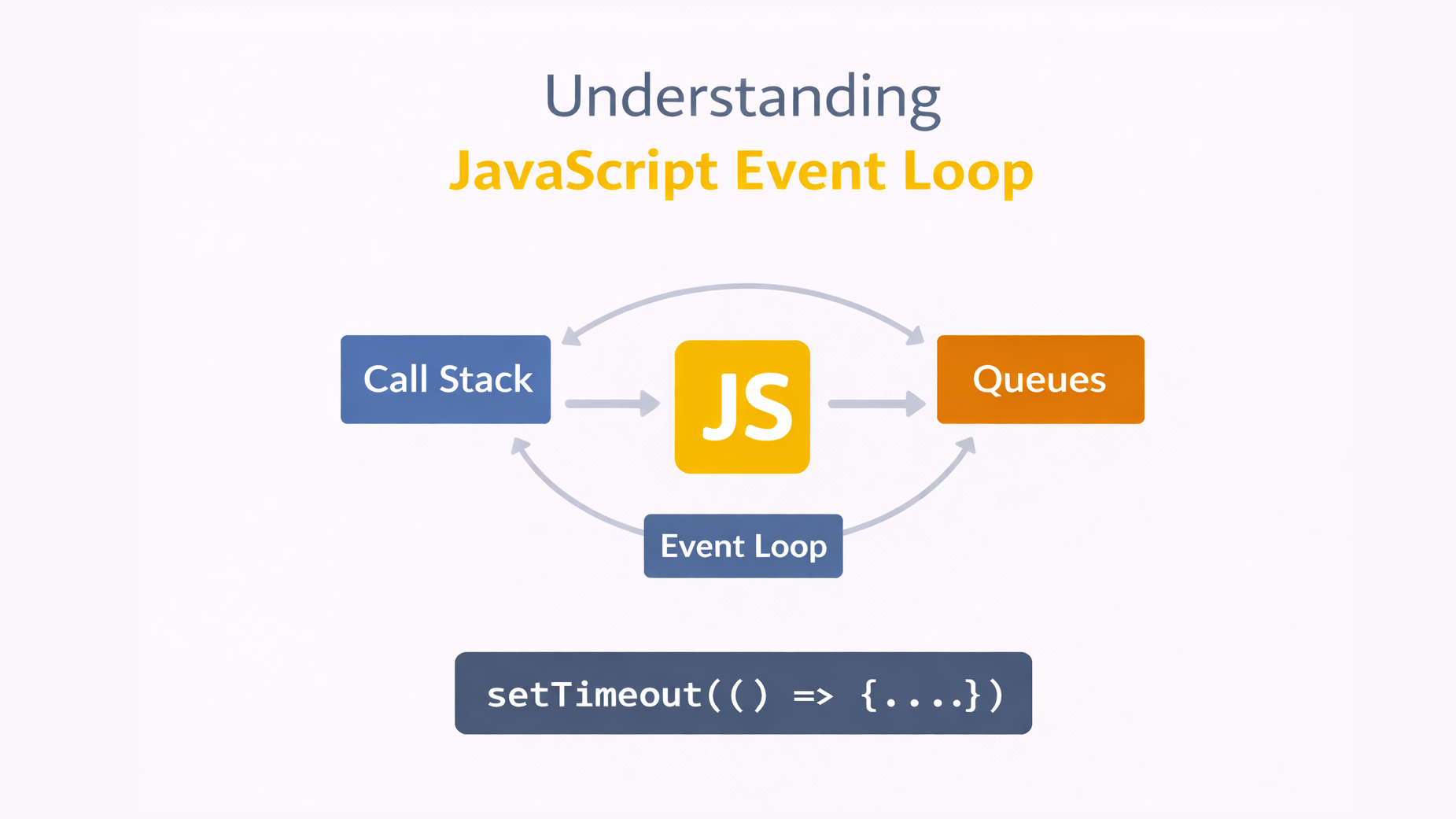
Call Stack → Web APIs → Queues → Event Loop → Call Stack
🔹 Why It Matters
Understanding the event loop helps you:
- Avoid blocking the UI
- Fix weird async bugs
- Write better async code
- Understand performance
🔹 Common Mistakes
❌ Assuming setTimeout(fn, 0) runs immediately
❌ Forgetting promises run before timers
❌ Blocking the stack with heavy loops
🔹 Conclusion
The event loop is what makes JavaScript asynchronous, non-blocking, and fast.
It coordinates the call stack, queues, and APIs to make sure everything runs in the correct order.
Once you understand it, async JavaScript becomes much easier.