How JavaScript Promises Work
JavaScript is single-threaded.
But it can handle:
- API calls
- Timers
- File reads
- Async operations
How?
You already learned about the Event Loop.
Now let’s understand one of the most important tools that works with it:
Promises
🔹 The Problem Before Promises
Before Promises, async code looked like this:
setTimeout(function() {
  console.log("Data loaded");
}, 1000);
Now imagine multiple async operations nested inside each other:
getData(function(data) {
  processData(data, function(result) {
    saveData(result, function() {
      console.log("Done");
    });
  });
});
This is called:
❌ Callback Hell
Hard to read. Hard to maintain.
Promises solve this.
🔹 What is a Promise?
In simple words:
A Promise is an object that represents a value that will be available in the future.
Think of it like ordering food online.
- You place the order
- You wait
- It either arrives (success)
- Or gets cancelled (failure)
🔹 Promise States
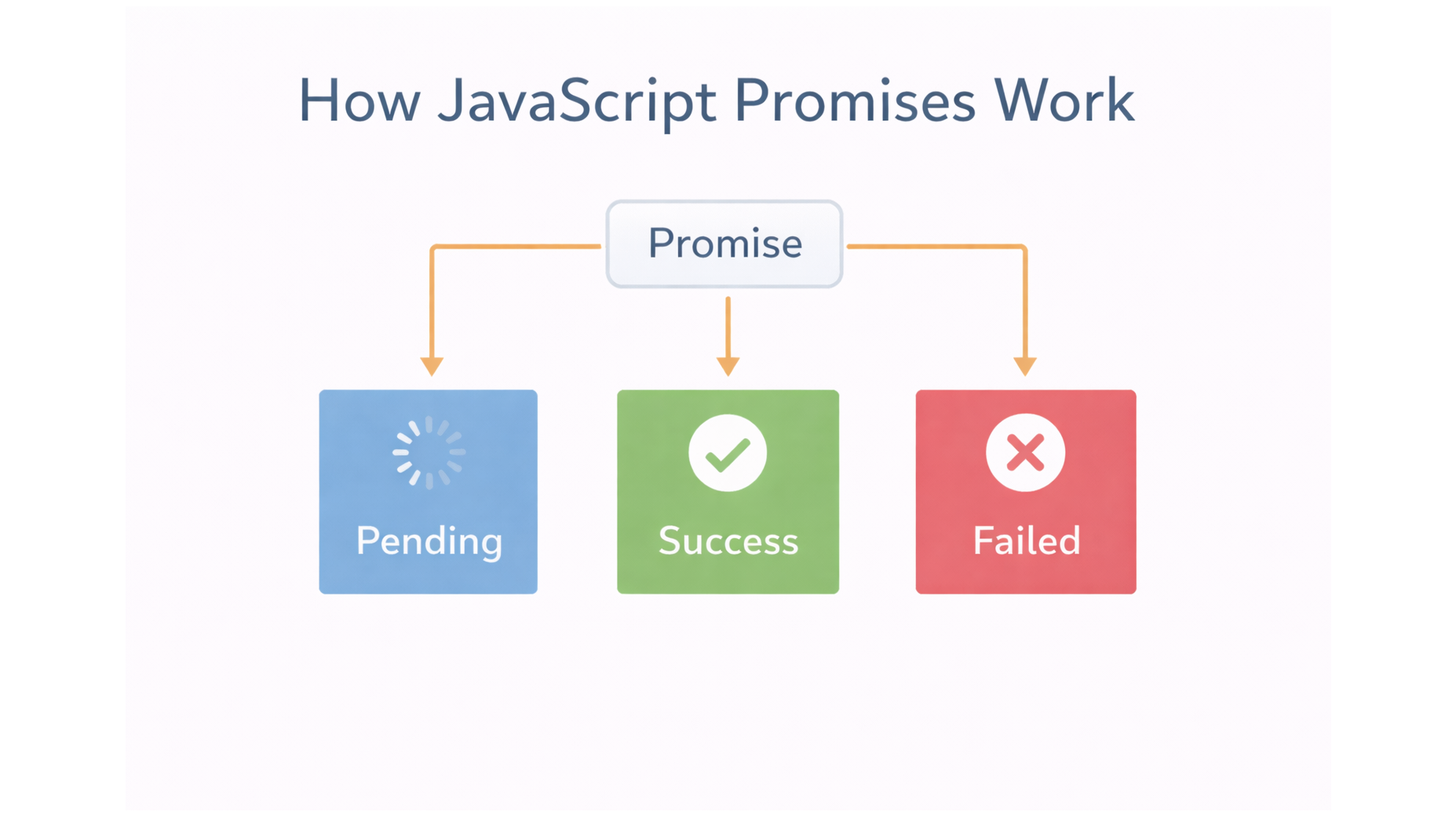
A Promise has 3 states:
- Pending – waiting
- Fulfilled – success
- Rejected – error
Once fulfilled or rejected, it is settled.
Example 1: Creating a Promise
const promise = new Promise((resolve, reject) => {
  setTimeout(() => {
    resolve("Success!");
  }, 1000);
});
resolve()→ successreject()→ failure
Example 2: Using .then()
promise.then((result) => {
  console.log(result);
});
Example 3: Handling Errors
const promise = new Promise((resolve, reject) => {
  setTimeout(() => {
    reject("Something went wrong!");
  }, 1000);
});

promise
  .then((result) => console.log(result))
  .catch((error) => console.log(error));
🔹 Promise Chaining
Instead of nesting callbacks, we chain:
fetchData()
  .then(processData)
  .then(saveData)
  .then(() => console.log("Done"))
  .catch(console.error);
This keeps code clean and readable.
🔹 How Promises Work with Event Loop
Important:
.then()callbacks go to the Microtask Queue- Microtasks run before
setTimeout(macrotasks)
Example:
console.log("Start");

setTimeout(() => console.log("Timeout"), 0);

Promise.resolve().then(() => console.log("Promise"));

console.log("End");
Start
End
Promise
Timeout
Why?
Because Promise callbacks run before timers.
You know more about Event Loop Visit click on Learn More
🔹 Why Promises Are Important
Promises:
✔ Avoid callback hell
✔ Improve readability
✔ Handle async flow better
✔ Work perfectly with async/await
✔ Are used everywhere (fetch, APIs, DB, etc.)
🔹 Real-World Example
Whenever you use:
fetch("https://api.example.com")It returns a Promise.
That’s why you write:
fetch("https://api.example.com")
  .then(response => response.json())
  .then(data => console.log(data))
  .catch(error => console.error(error));
🔹 Conclusion
A Promise is simply:
A cleaner way to handle asynchronous operations in JavaScript.
It represents:
- A future value
- That might succeed
- Or might fail
If you understand Promises, you understand modern JavaScript.