How Cookies Travel Between Frontend and Backend

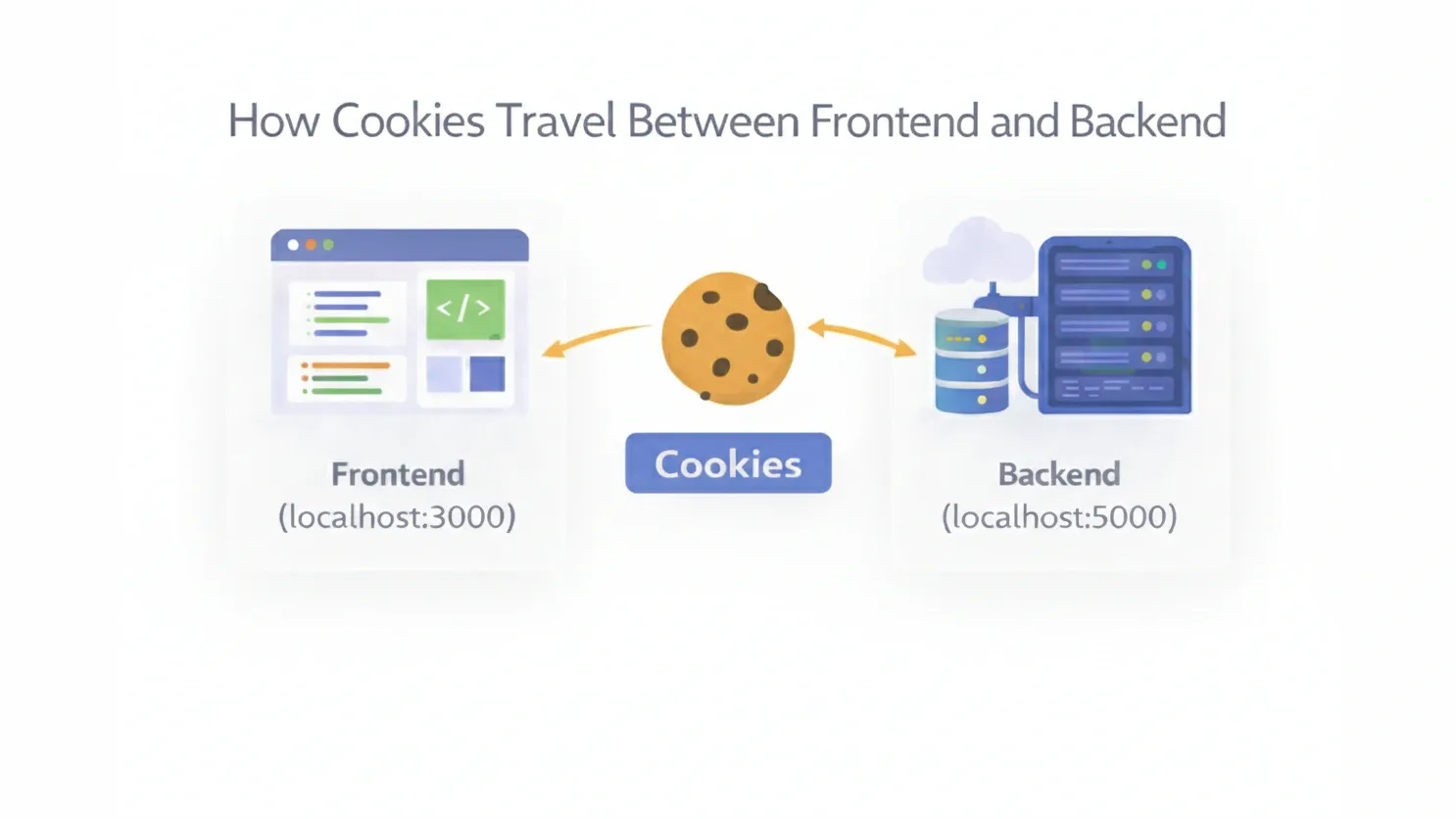
Imagine you’re at a busy coffee shop. You order a "Triple-Shot Mocha," pay, and wait. To remember who gets which drink, the barista gives you a small ticket with number #42.
In the world of web development, that ticket is a Cookie.
HTTP is "stateless"—meaning the server has the memory of a goldfish. It doesn’t know that the person asking for "Profile Data" is the same person who just logged in two seconds ago. To fix this, we use cookies to keep the conversation going.
Phase 1: The Backend Sets the Stage
When you hit a "Login" button, your frontend sends your credentials to the backend. If the password is correct, the backend doesn't just say "OK." It sends a specific command in the HTTP response header called Set-Cookie.
import express, { Request, Response } from 'express';

const app = express();

app.post('/api/login', (req: Request, res: Response): void => {
    // Generate a secure session ID
    const sessionId: string = 'abc-123-secure-id';

    // Send the cookie in the response header
    res.cookie('session_id', sessionId, {
        httpOnly: true, // Safety first: JS can't touch this!
        secure: true,   // Only over HTTPS
        sameSite: 'strict',
        maxAge: 3600000 // Expires in 1 hour
    });

    res.status(200).send({ message: 'Logged in successfully' });
});
🔄 The Automatic Loop
The magic of cookies is that the Frontend developer usually has to do zero work to send them back. Once a cookie is set for a domain, the browser automatically attaches it to every future request to that same domain.
Phase 2: The Browser's Dutiful Return
Once that cookie is in the browser's "Jar," it stays there. When you click on "Settings" or "Cart," the browser looks at the domain, grabs the matching cookie, and shoves it into the Request Header.
What the Server Sees:
GET /api/settings HTTP/1.1
Host: your-awesome-app.com
Cookie: session_id=abc-123-secure-id
The backend receives this, looks up the session_id in its database, and says, "Ah, it's User #42 again. Here are their settings!"
What do HttpOnly , Secure and SameSite actually mean?
- HttpOnly: This is your #1 defense. It prevents
document.cookiefrom being accessed by malicious scripts (XSS). - Secure: Tells the browser to only send the cookie over HTTPS. No encryption, no cookie.
- SameSite:
>Strict: Cookie only travels if the request originates from your own site.
>Lax: A balance of security and usability (default in modern browsers).
Cookies are the invisible glue of the internet. By understanding this handshake between the Set-Cookie response and the Cookie request, you can build faster, more secure, and more reliable web applications.
Did you find this breakdown helpful? Let me know in the comments if you want a deep dive into JWT (JSON Web Tokens) vs. Cookies next!