CSS Grid vs Flexbox: When and Why to Use Each
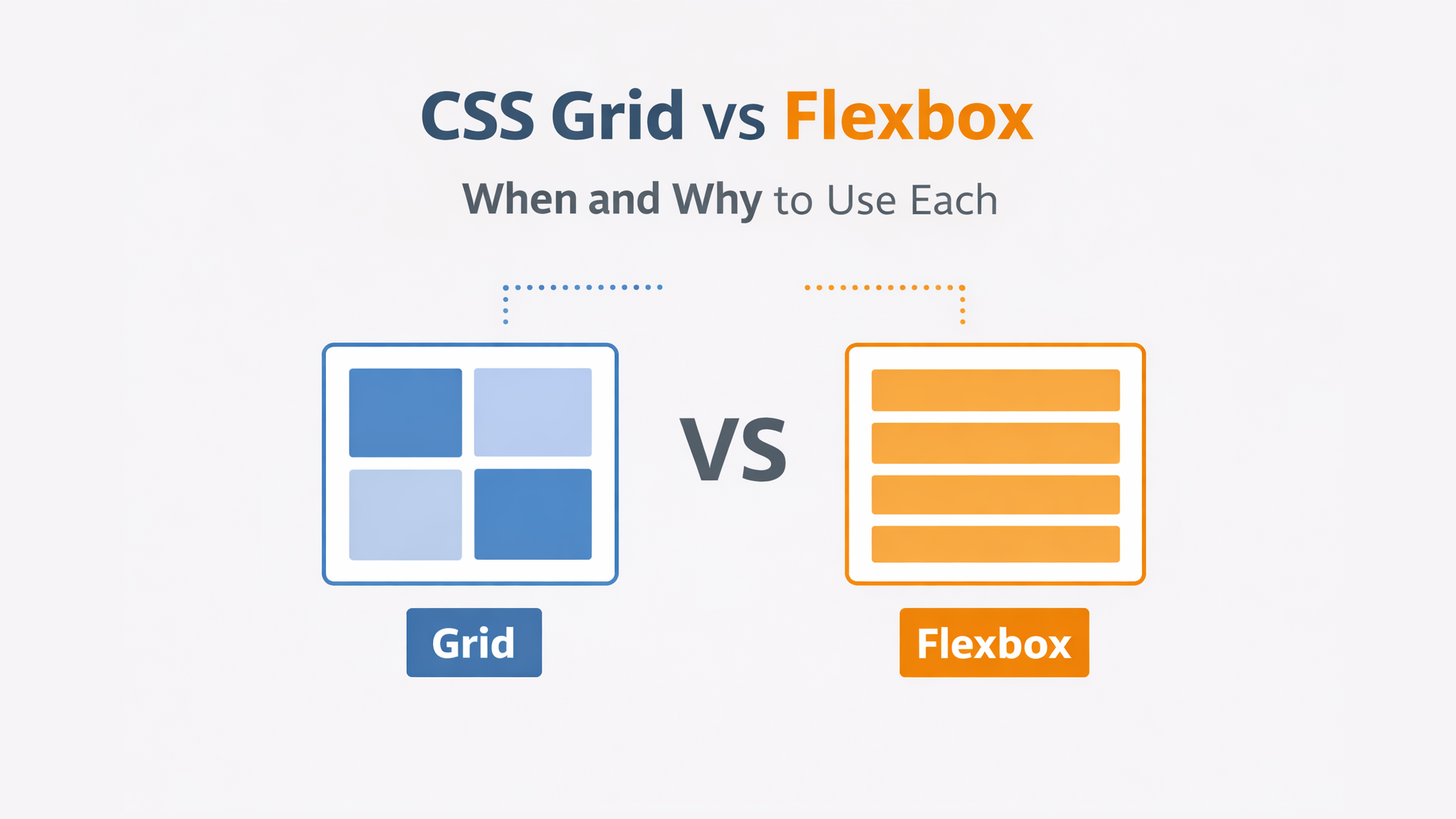
CSS Grid vs Flexbox: When and Why to Use Each
CSS Grid and Flexbox are the two most powerful layout systems in modern CSS.
Both solve layout problems — but in different ways.
Many developers ask:
Should I use Grid or Flexbox?
The answer depends on what kind of layout you’re building.
Let’s understand their differences, use cases, and examples.
🔹 Core Difference
| Feature | Flexbox | Grid |
|---|---|---|
| Layout direction | One-dimensional (row OR column) | Two-dimensional (rows AND columns) |
| Best for | Components | Page layouts |
| Alignment | Along a single axis | Both axes |
| Content-driven | Yes | Layout-driven |
🔹 Flexbox: One-Dimensional Layout
Flexbox is ideal when you want to arrange items in a row or a column.
Example:
.container {
  display: flex;
  justify-content: space-between;
  align-items: center;
}
Use Flexbox for:
-
Navigation bars
-
Buttons
-
Form fields
-
Cards in a row
-
Centering elements
🔹 CSS Grid: Two-Dimensional Layout
Grid lets you define rows and columns at the same time.
Example:
.container {
  display: grid;
  grid-template-columns: 1fr 3fr;
  grid-template-rows: auto 1fr auto;
}
Use Grid for:
-
Page layouts
-
Dashboards
-
Image galleries
-
Complex responsive designs
🔹 Visual Comparison
| Layout Need | Use |
|---|---|
| Align items in one line | Flexbox |
| Build a page layout | Grid |
| Center something | Flexbox |
| Create rows & columns | Grid |
| Auto-flow content | Flexbox |
| Control structure | Grid |
🔹 Responsive Behavior
Flexbox responds naturally to content size.
Grid responds naturally to layout size.
You can combine them:
.page {
  display: grid;
  grid-template-columns: 250px 1fr;
}

.nav {
  display: flex;
  gap: 2rem;
}
🔹 Common Mistakes
❌ Using Grid for simple one-row alignment
❌ Using Flexbox for complex page structures
❌ Not combining them
🔹 Browser Support
Both Grid and Flexbox are fully supported in all modern browsers.
🔹 Conclusion
| Use this | When |
|---|---|
| Flexbox | Aligning and spacing items |
| Grid | Structuring layouts |
| Both | Building real-world UIs |
They are not competitors — they complement each other.